




I used to think that brackets around an item in things like the Swatches panel, text and object styles, stroke styles, etc meant that the item could not be modified.
That certainly is the case with the swatch for the color [Black].
But I recently discovered that the [Default] document setup can be modified so that Facing Pages is turned off.
That’s when I realized that brackets around an item in a panel or dialog box means that the [item] can’t be deleted.
That’s all.
This article was last modified on December 21, 2021
This article was first published on September 17, 2012
Commenting is easier and faster when you're logged in!

Recommended for you
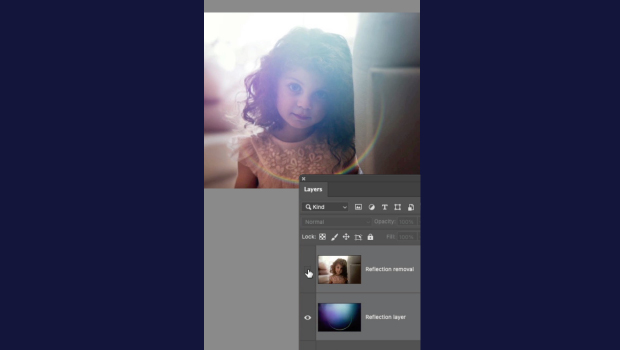
How to Remove Reflections in Photoshop
Khara Plicanic shows how to quickly remove reflections and lens flare from your...

Editor’s Picks for The Design + Marketing Summit 2026
Our Editor in Chief lists his must-see sessions for The Design + Marketing Summi...
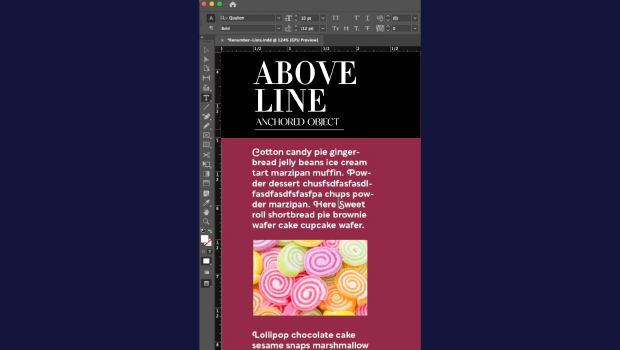
How to Make Graphics Flow with Text in InDesign
Khara Plicanic demonstrates how to add a graphic between paragraphs so it flows...