



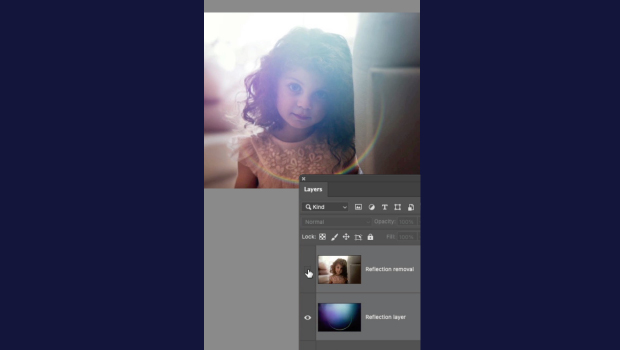
In this short Photoshop video, Khara Plicanic demonstrates how the latest version has a command to instantly remove reflections and lens flare from your images. Photoshop can even isolate them to their own layer!
Subscribe to the CreativePro YouTube channel for more helpful design tips!
This article was last modified on June 23, 2026
This article was first published on June 25, 2026
Commenting is easier and faster when you're logged in!

Recommended for you

Interview with Valentina D’Efilippo, Creative Director and Data Designer
Thaddeus Coates shares his fun and fearless approach to design and how community...
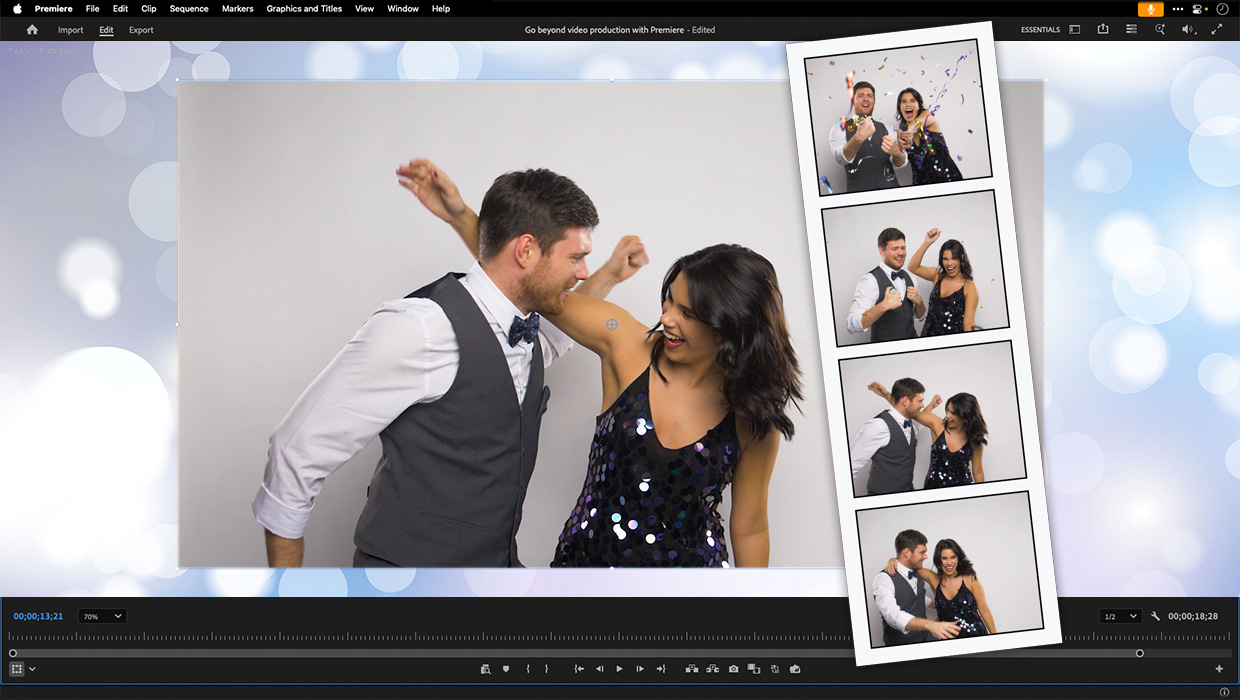
Premiere: It’s Not Just For Video
Designers using InDesign and Photoshop can look at Premiere as a surprising reso...

7 Reasons Why You Belong at the InDesign User Group
If you’re an InDesign user, you’ll dig the IDUG