



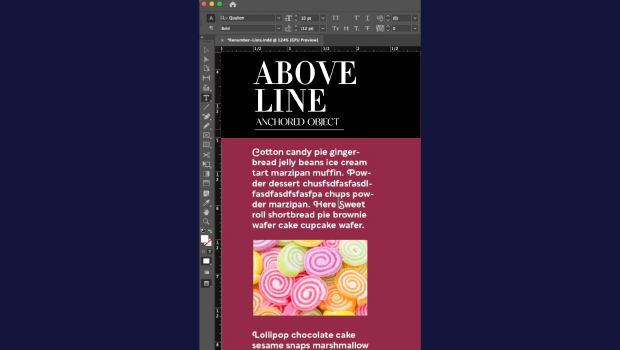
In this short InDesign how-to video, Khara Plicanic demonstrates how to anchor a graphic so it moves along with the text as it reflows. She shows that it’s as easy as dragging the anchored object node into the text and making a couple of quick adjustments.
Subscribe to the CreativePro YouTube channel for more helpful design tips!
This article was last modified on May 28, 2026
This article was first published on May 28, 2026
Commenting is easier and faster when you're logged in!

Recommended for you

Interview with Thaddeus Coates, Artist and Character Designer
Thaddeus Coates shares his fun and fearless approach to design and how community...
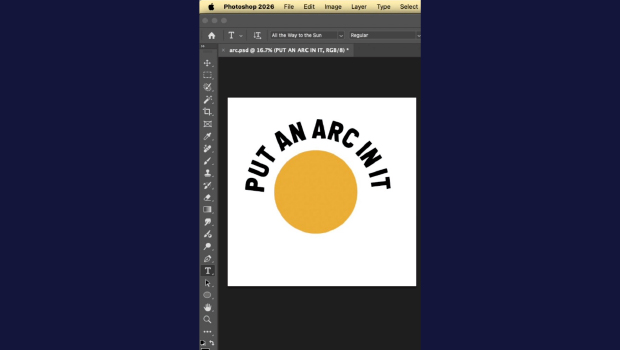
Quickly Create Text in an Arc or Circle in Photoshop
Khara Plicanic reveals new options in Photoshop for putting text in an arc or a...
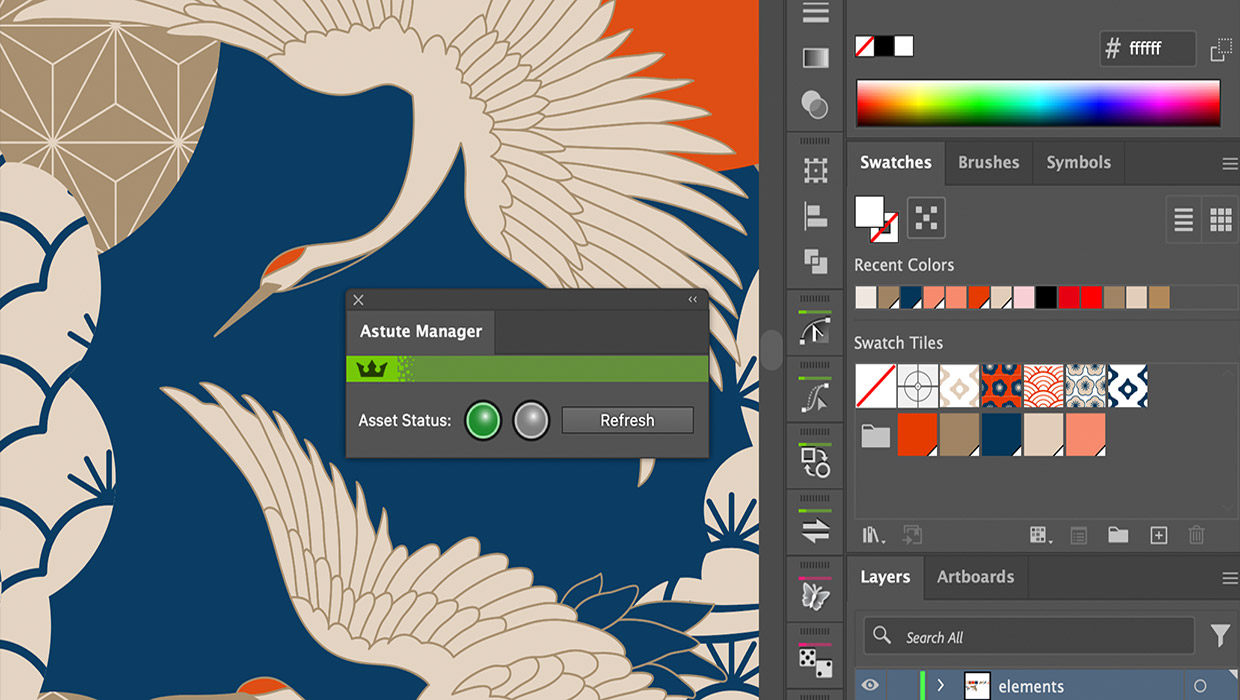
Review: Astute Manager Pro
This new service makes it easy to back up, restore, and sync your Illustrator se...