




In this week’s InDesignSecrets video, David Blatner reveals how to add a gravity effect to your InDesign type. Using a somewhat obscure feature, he demonstrates how easy it is to apply a skewed effect to type on a path.
Check out new tutorials every Tuesday on our InDesign Secrets YouTube channel, then join the discussion on our Facebook group!
This article was last modified on August 29, 2025
This article was first published on January 22, 2019
Commenting is easier and faster when you're logged in!

Recommended for you

How to Create a Custom Stamp in Adobe Acrobat Pro
Learn how to move pages between PDF files with Chad Chelius.
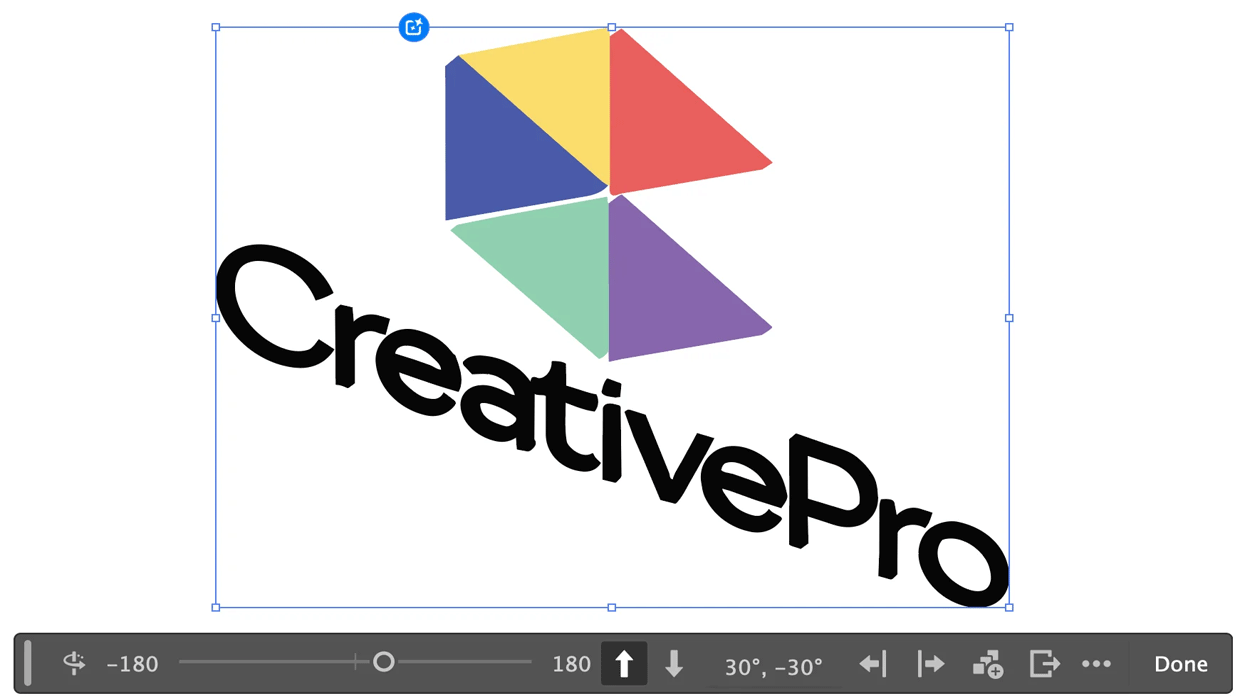
Rotating Objects in Illustrator Using Turntable
Generate vector objects from a variety of angles with the help of AI
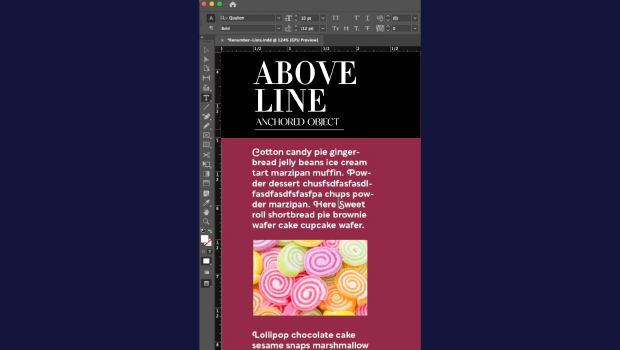
How to Make Graphics Flow with Text in InDesign
Khara Plicanic demonstrates how to add a graphic between paragraphs so it flows...