




In this Acrobat how-to video, Chad Chelius demonstrates how to make a custom stamp for your PDFs. After a quick tour of the default stamp options, he shows how to import your own image file to create a unique stamp. Finally, Chad explains how to name your stamp, organize it into a custom category, and place it in your PDF.
Subscribe to the CreativePro YouTube channel for more helpful design tips!
This article was last modified on June 19, 2026
This article was first published on June 19, 2026
Commenting is easier and faster when you're logged in!

Recommended for you
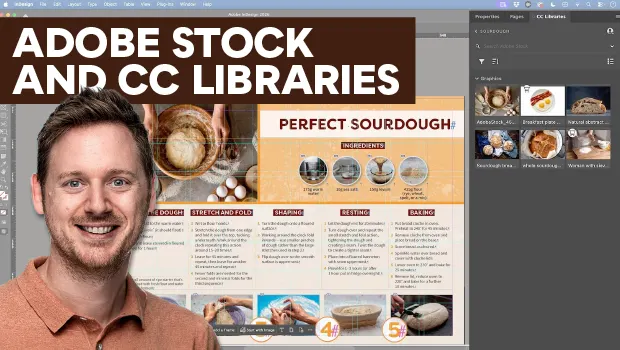
Find Adobe Stock Assets Without Leaving InDesign
Find Adobe Stock assets without ever leaving InDesign!

Inside the Adobe Admin Console
Knowing how your IT department controls Creative Cloud apps and services can hel...

Mapping Paragraph Styles to PDF Tags in InDesign
Map Paragraph Styles in your InDesign document to the proper tags for accessible...
