



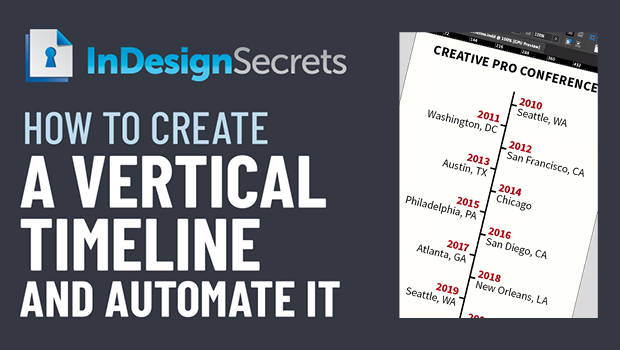
In this Three Minutes Max video, Nigel French shows how to create a clever, vertical timeline in InDesign. By carefully setting up indents, paragraph rules and borders, and paragraph and object styles, he is able to automate creating the timeline with just one click.
Three Minutes Max comes from a fun—yet very competitive—session at our annual CreativePro Week conference. Speakers have three minutes (max!) to wow the audience with the tip and win a prize for a lucky conference attendee. To find out how to attend this incredible, information-packed week, check out https://CreativeProWeek.com.
This article was last modified on August 29, 2025
This article was first published on July 15, 2022
Commenting is easier and faster when you're logged in!

Recommended for you

A Script to Remove Imported-Style Symbols in InDesign
When you place styled content from Microsoft Word into InDesign, the paragraph a...
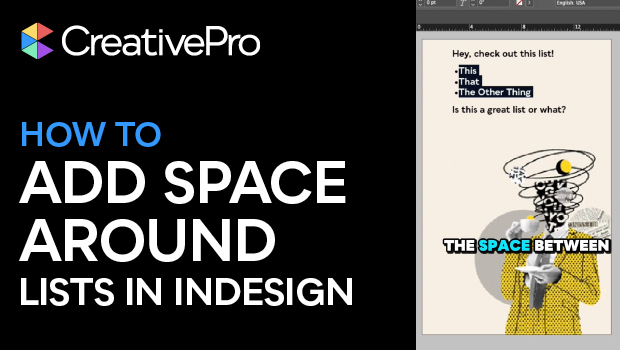
Create Space Around a List in InDesign
Add extra space around a list, without creating multiple paragraph styles!
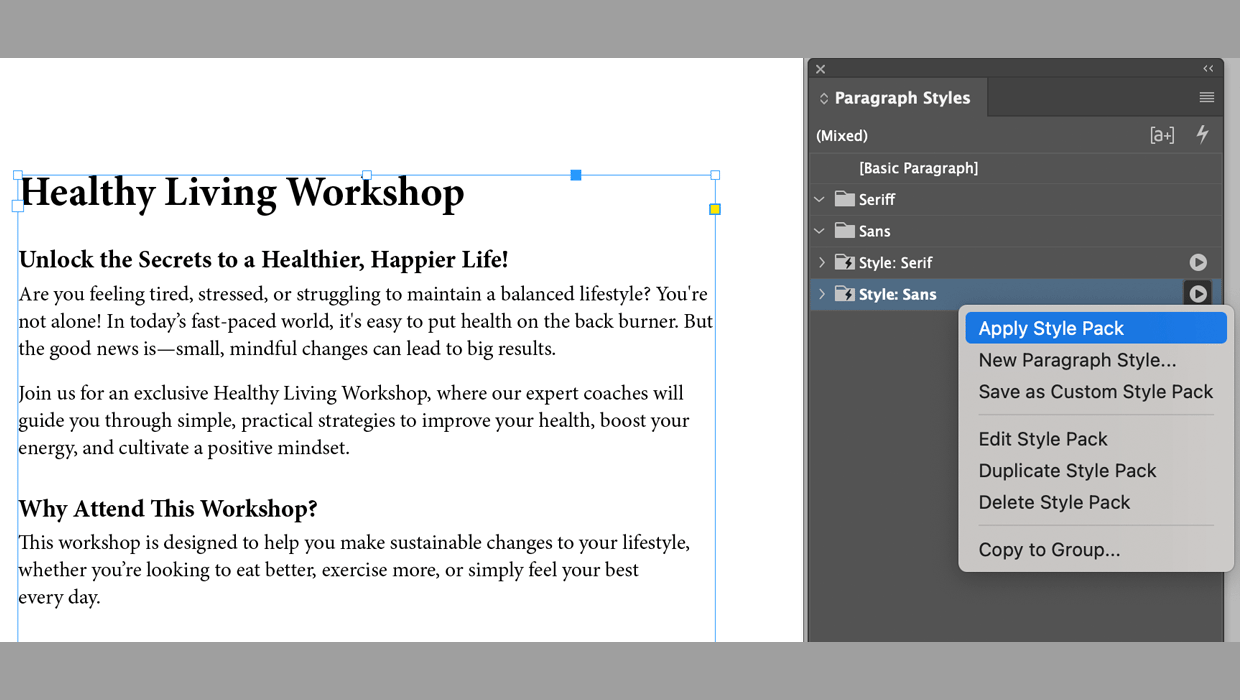
Format Text Automatically with Style Packs in InDesign
Learn how to effortlessly style text throughout an InDesign document with the he...