



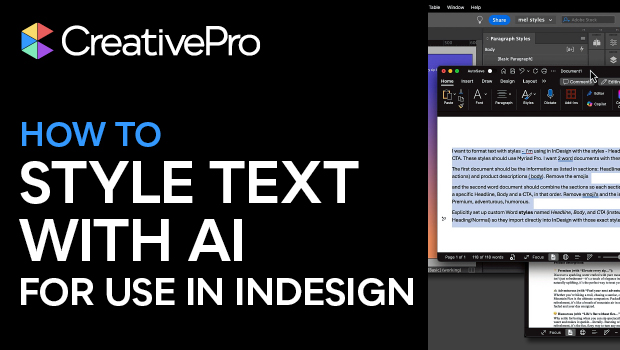
In this AI how-to video, Melissa Piccone demonstrates how to use ChatGPT to clean up messy Word documents, leaving you free to focus on design. She prompts ChatGPT to recreate her Word document of copy suggestions using custom Word styles that align with her InDesign Paragraph Styles. Then, she drops the text into InDesign, fixes any AI-generated errors, and her design is ready to go.
Subscribe to the CreativePro YouTube channel for more helpful design tips!
This article was last modified on February 20, 2026
This article was first published on October 2, 2025
Commenting is easier and faster when you're logged in!

Recommended for you

10 Terrific Time Savers for InDesign
Life is busy. Work is hard. Use these tips to get more done faster.
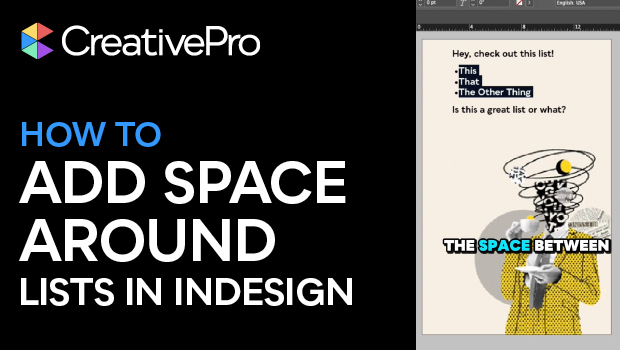
Create Space Around a List in InDesign
Add extra space around a list, without creating multiple paragraph styles!
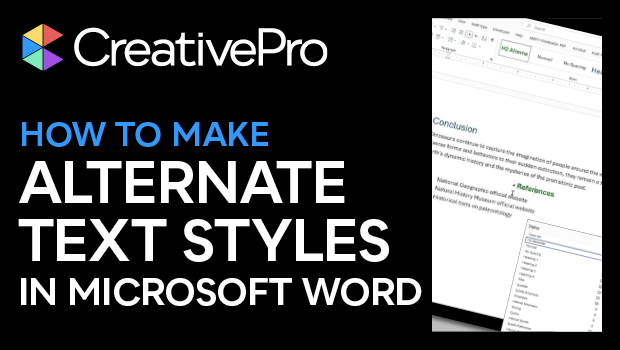
How to Make Alternate Text Styles in Microsoft Word
Working in Microsoft Word? Shawn Jordison shows you how to spruce up your docume...