



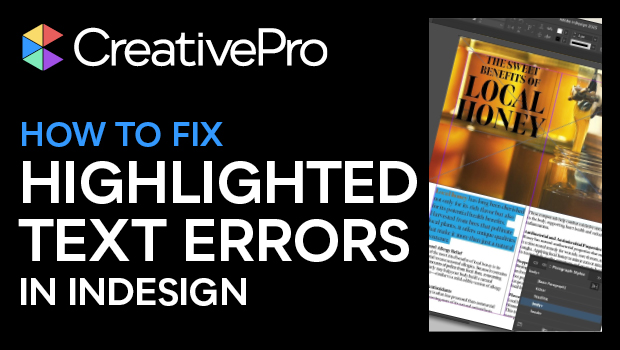
In this InDesign how-to video, Myra Ferguson explains why your text is highlighted in blue and what to do about it. Blue highlights are InDesign’s way to show that your local formatting is overriding a paragraph or character style. Whether you want to address the formatting conflict or simply toggle the highlight off, Myra’s got you covered.
Subscribe to the CreativePro YouTube channel for more helpful design tips!
This article was last modified on October 14, 2025
This article was first published on August 19, 2025
Commenting is easier and faster when you're logged in!

Recommended for you

10 Terrific Time Savers for InDesign
Life is busy. Work is hard. Use these tips to get more done faster.
A Script to Remove Imported-Style Symbols in InDesign
When you place styled content from Microsoft Word into InDesign, the paragraph a...
How to Style Text with AI for Use in InDesign
Have ChatGPT handle your Word document text formatting so you can focus on desig...