



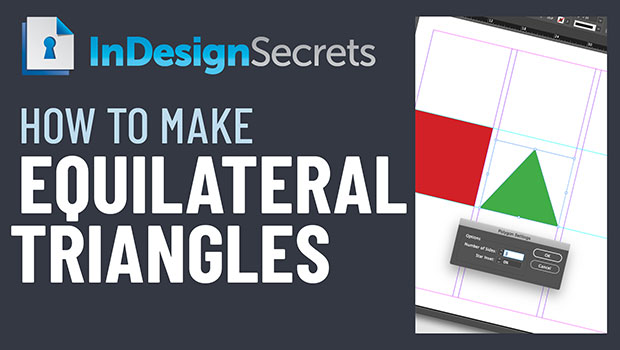
In this week’s InDesignSecrets video, Mike Rankin shows off the best way to create an equilateral triangle in InDesign. He also explains why converting a square doesn’t work properly and that there are a few ways to get that perfect, equal-sided triangle.
Check out new tutorials every Tuesday on our InDesign Secrets YouTube channel, then join the discussion on our Facebook group!
This article was last modified on August 29, 2025
This article was first published on September 25, 2019
Commenting is easier and faster when you're logged in!

Recommended for you
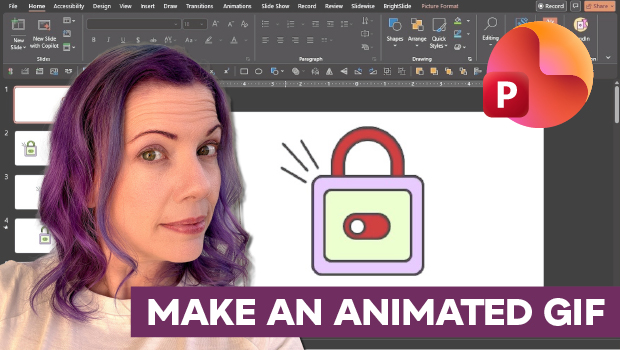
How to Make an Animated GIF in PowerPoint
Create a looping animation in PowerPoint using the Morph transition.
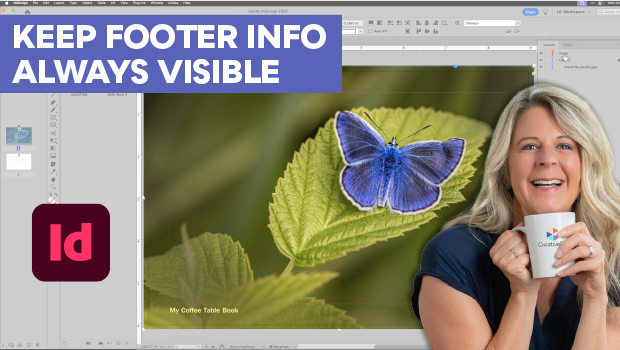
Keep Footer Info Always Visible in InDesign
Keep your full-page photographs from blocking headers and footers in InDesign wi...
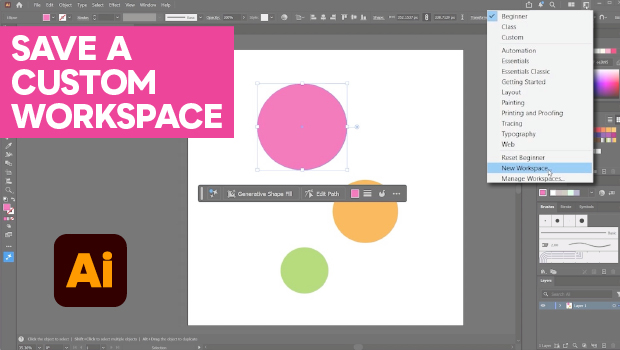
How to Make Illustrator More User Friendly
Set up your own custom workspace with Kat Kremser.