



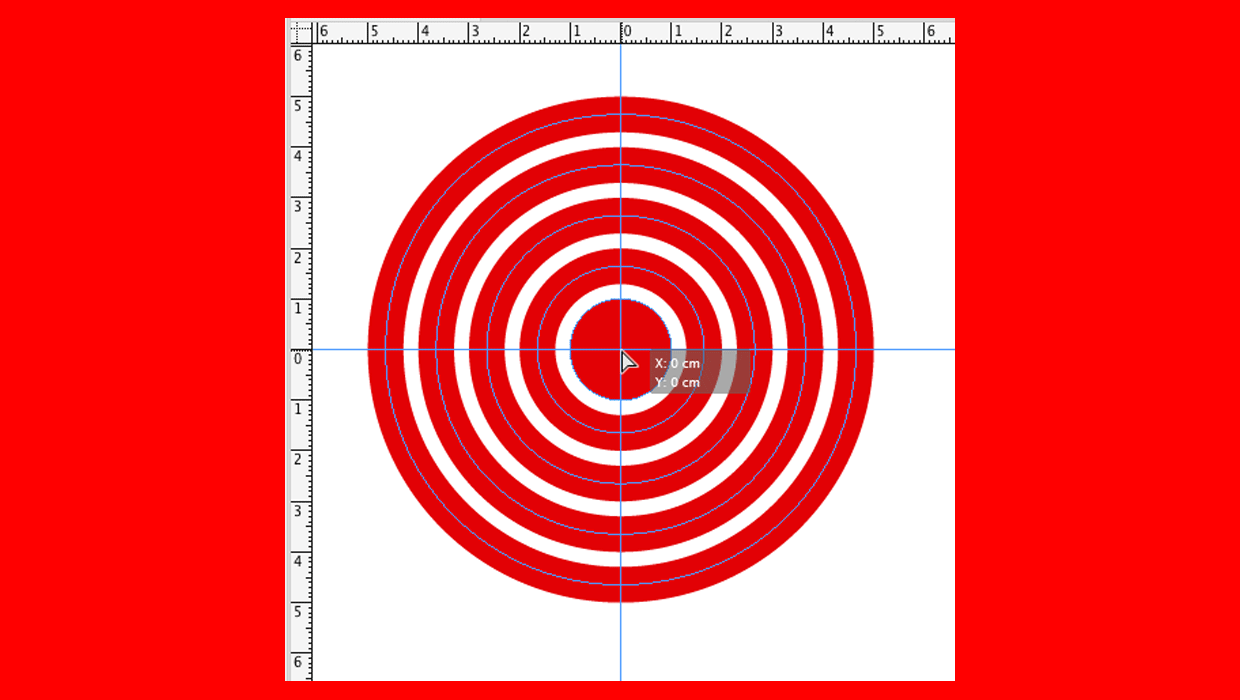
Want to make a set of crosshairs guides, with both a vertical and a horizontal guide? You don’t have to draw two separate guides. Just hold the Command key on Mac or Ctrl on Windows and drag from the spot where the rulers meet.
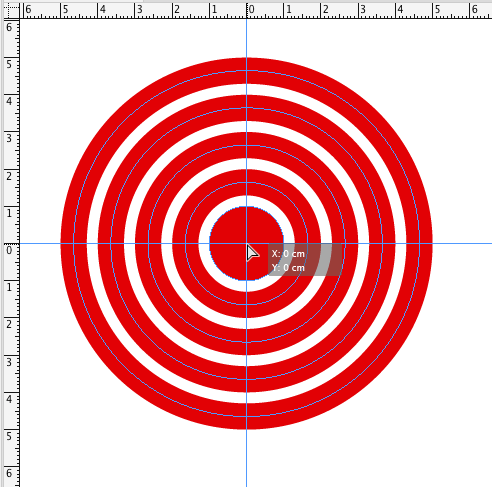
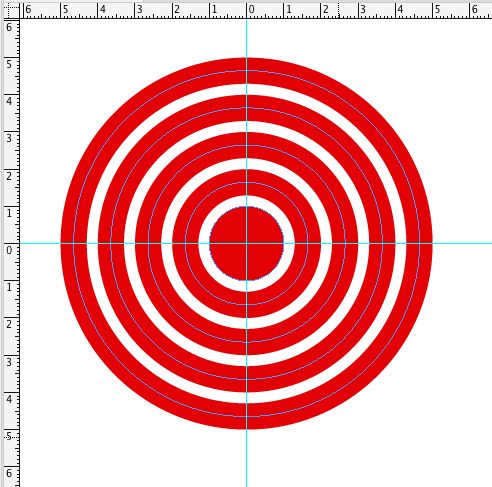
Bonus: Add the Shift key to make the crosshairs snap to the ruler tick marks.
This article was last modified on March 20, 2026
This article was first published on December 19, 2017
Commenting is easier and faster when you're logged in!

Recommended for you
Placing Precise Guides in InDesign
Drop guides in InDesign precisely where you want them with these quick tips!
How to Fix Missing Content Problems in Premiere
Learn what the media warnings in Premiere mean and how to address them

From Type to Table: Different Medium, Same Design Eye
Our longtime typography expert explores how the core principles of design transl...