



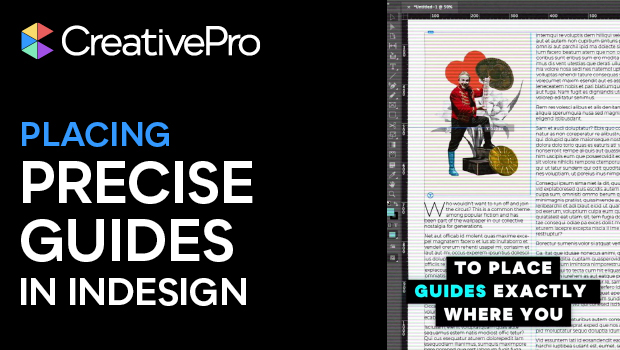
In this short InDesign how-to video, Khara Plicanic reveals two quick tricks for dropping guides exactly where you want them. No more eyeballing guide placement.
Subscribe to the CreativePro YouTube channel for more helpful design tips!
This article was last modified on March 13, 2026
This article was first published on March 13, 2026
Commenting is easier and faster when you're logged in!

Recommended for you
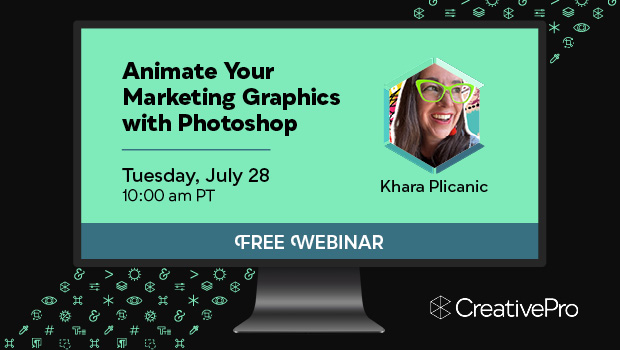
Free Webinar: Animate Your Marketing Graphics with Photoshop
Learn how to create eye-catching animated GIFs, motion graphics, and simple vide...

Adobe Unveils Major Expansion of Creative Agent Across Firefly and Creative Cloud Apps Including Photoshop and Premiere
Adobe is giving creative professionals an AI Assistant that orchestrates multi-s...

Quick Wins: Vector Drawing Skills
Use these five resources to boost your vector drawing skills.