


Photoshop Downloadable: Generative Fill Action Set
What’s cooler than creating Photoshop effects with AI? Creating them with one click.
This article appears in Issue 30 of CreativePro Magazine.
Rob de Winter’s article on AI in Photoshop in issue 30 of CreativePro Magazine includes a clever technique for creating watercolor effects by applying Generative Fill to a partially selected layer. It works so well that once you try it, you’ll probably want to experiment with other effects using the same method. So, we thought we’d give you a head start by creating a set of actions to automate the process. The set includes ten actions for creating the following effects:
- Watercolor Painting
- Cross Stitch
- Oil Painting
- Crayon Drawing
- Colored Pencil Drawing
- Pastel Drawing
- Psychedelic 60s Poster
- Anime Cartoon
- Pixel Art
- Impressionist Painting
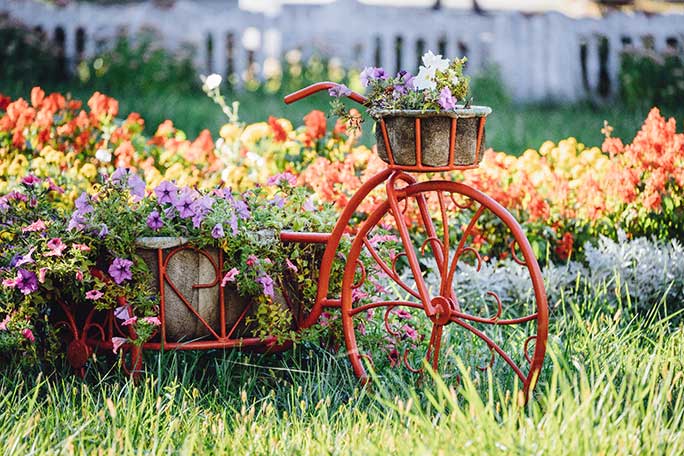
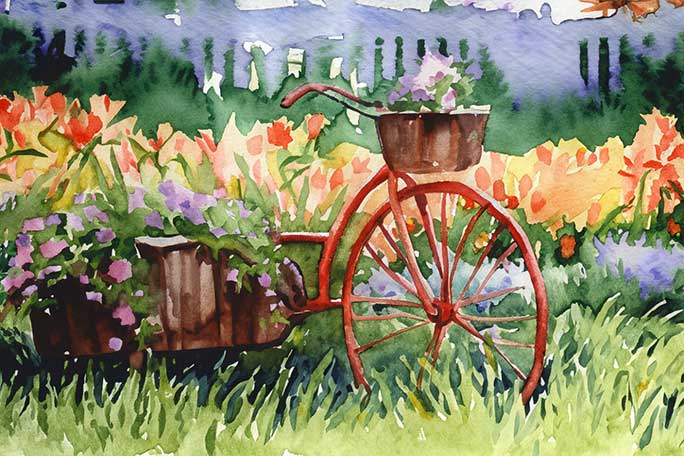
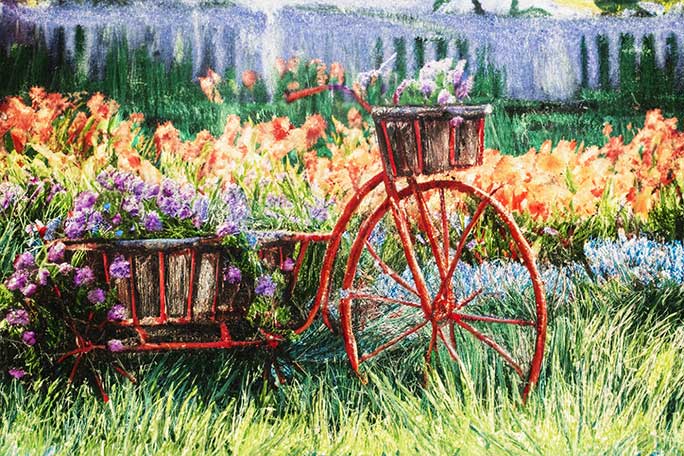
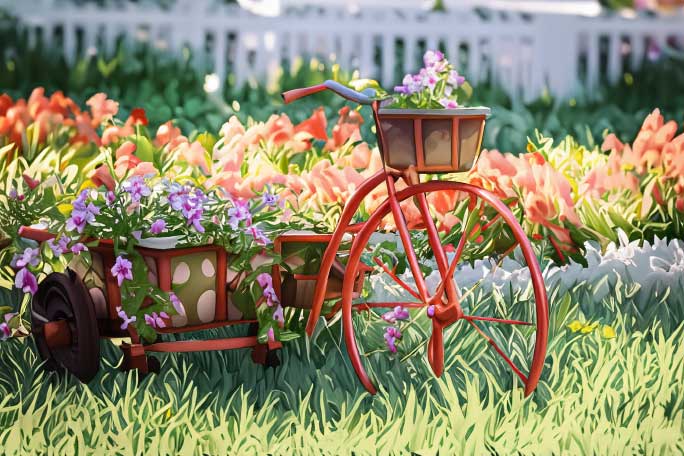
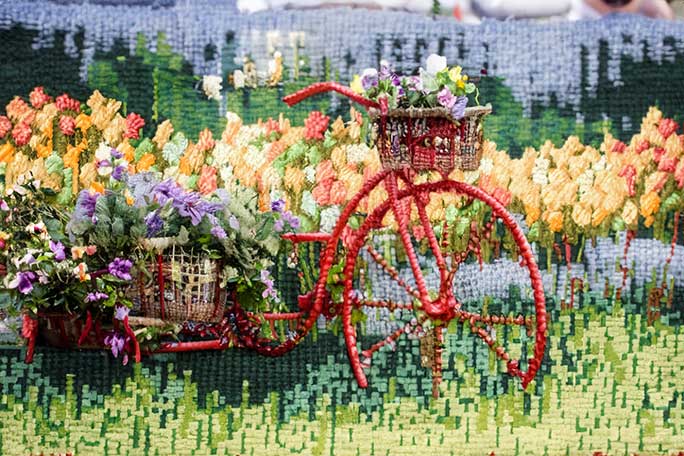
Click the Download Now button under the headline to get the package, which contains a Read Me with instructions for installing, using, and customizing the actions.
Commenting is easier and faster when you're logged in!

Recommended for you
Rotate Flat Elements in 3D Space in Photoshop
Khara Plicanic demonstrates how to take a flat photo element and rotate and tilt...
Batch Processing Images with AI-Powered Actions in Photoshop
Here’s how to automate edits in Photoshop by combining the Object Selectio...
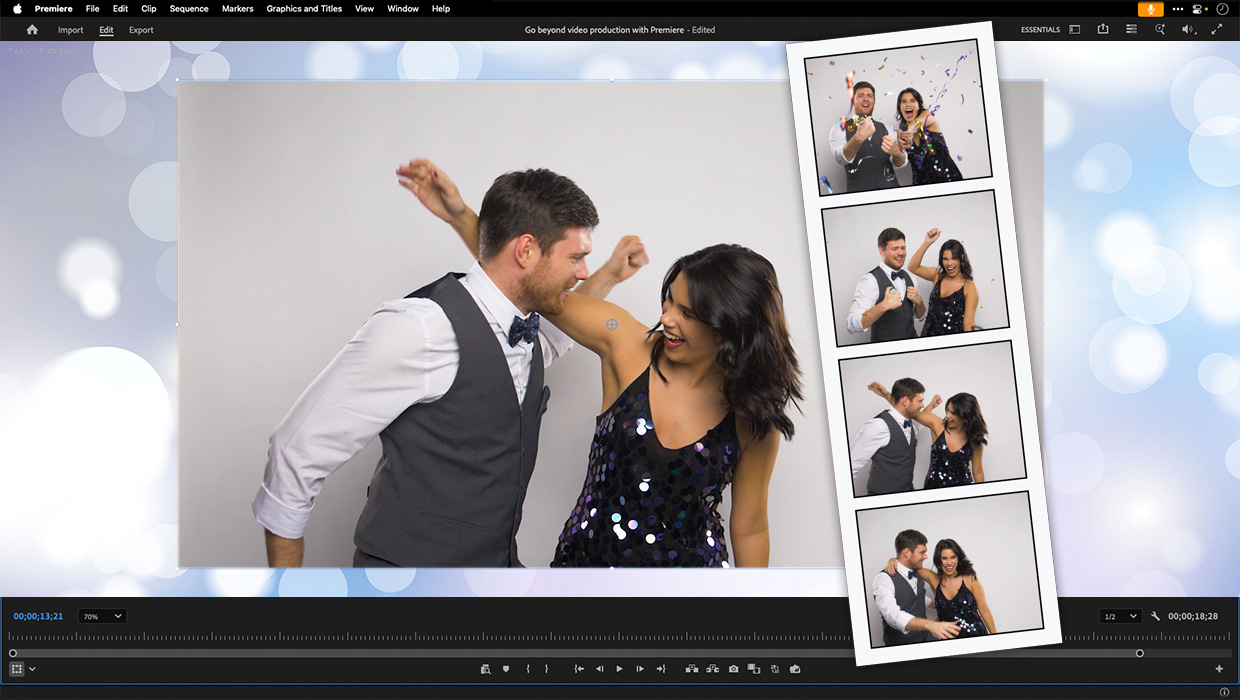
Premiere: It’s Not Just For Video
Designers using InDesign and Photoshop can look at Premiere as a surprising reso...