



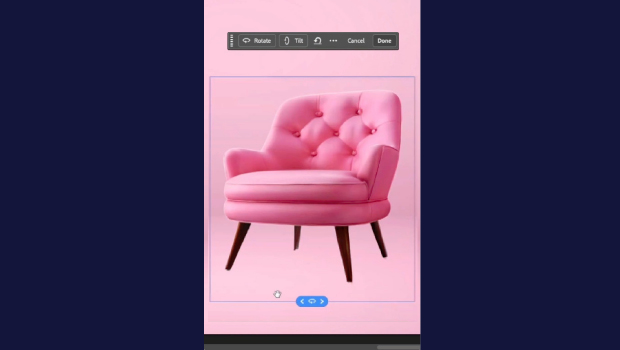
In this short Photoshop how-to video, Khara Plicanic demonstrates how to take a flat, 2D image and rotate it in 3D using the new Rotate Object option from the Contextual Taskbar.
Subscribe to the CreativePro YouTube channel for more helpful design tips!
This article was last modified on June 15, 2026
This article was first published on June 15, 2026
Commenting is easier and faster when you're logged in!

Recommended for you

What’s New in Photoshop 27.10
The August 2026 release brings a range of new tools and techniques—plus a comple...

Quick Wins: Adjusting Color in Photoshop
Use these five resources to get better at adjusting color in Photoshop

Example Course
This course content shows under the About tab on the main Course page. You can l...
