


InDesign Downloadable: Preferences Guide
A guide to which preferences are global and which are document specific in InDesign
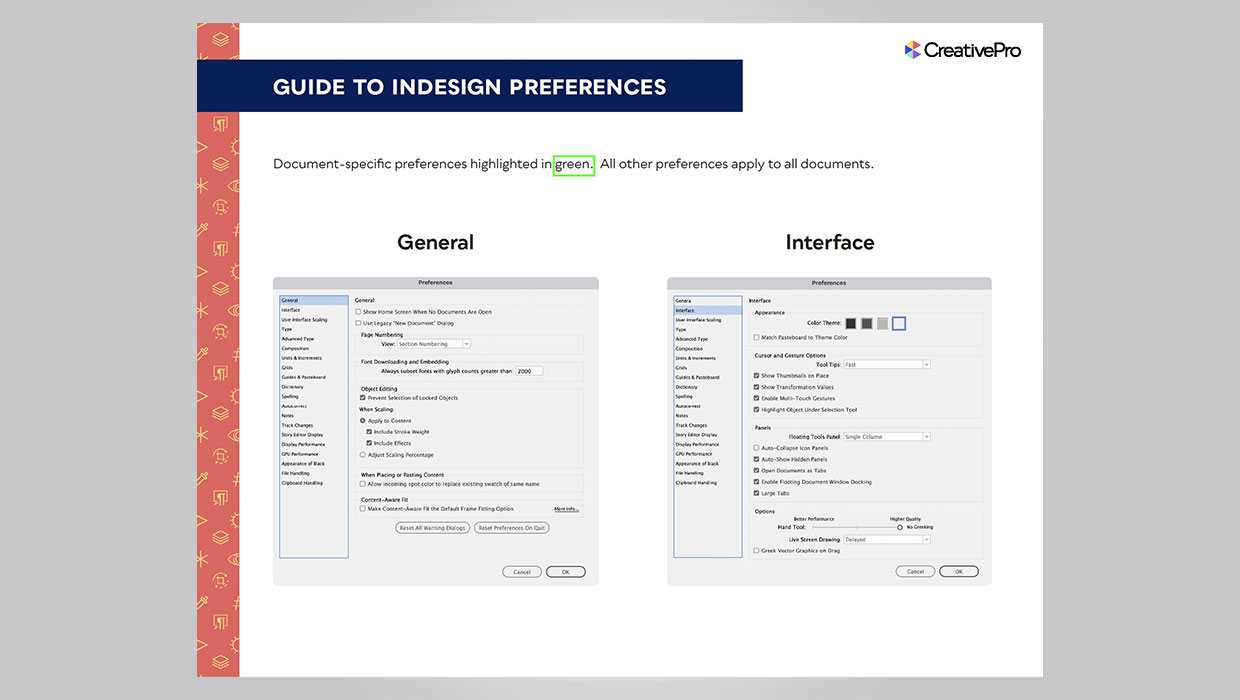
InDesign has a lot of preferences that control the way it looks and behaves. In all, there are 21 sets of preferences in a dialog box with hundreds of individual settings. And it’s very important for any InDesign user to understand which of those preferences apply to the application as a whole, and which ones only affect the current document. But the dialog box itself gives you no clue. That why we created this visual guide with document-specific preferences highlighted.
Commenting is easier and faster when you're logged in!

Recommended for you
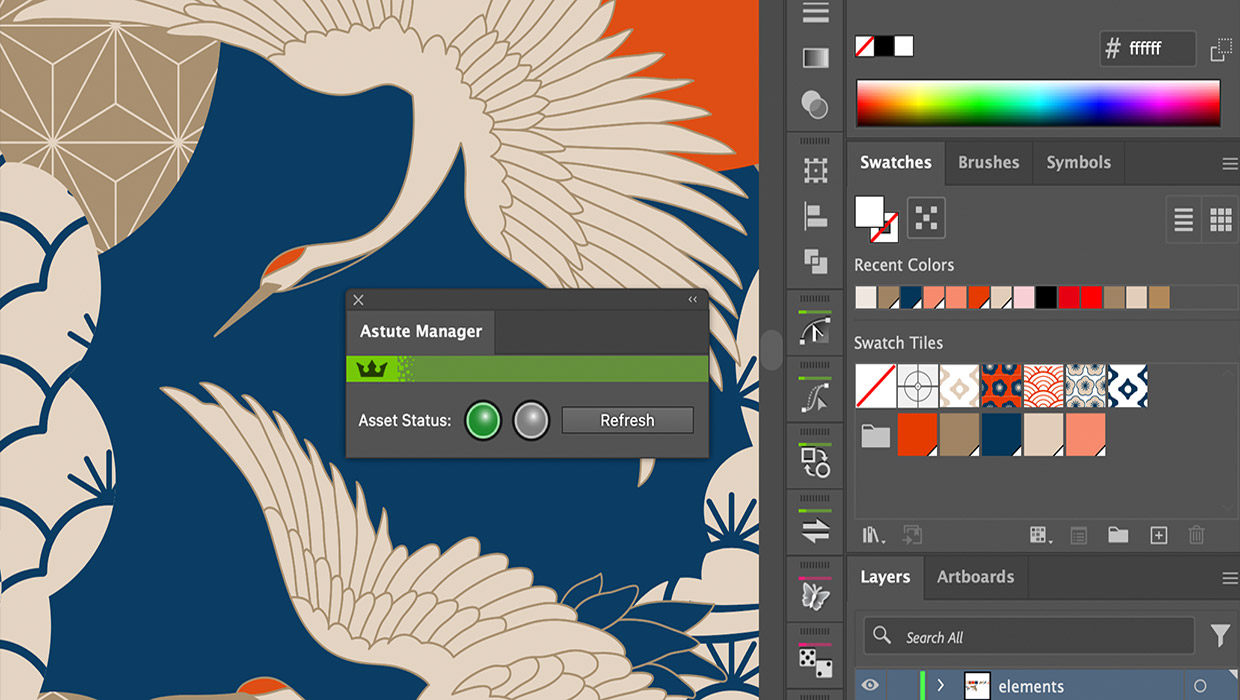
Review: Astute Manager Pro
This new service makes it easy to back up, restore, and sync your Illustrator se...
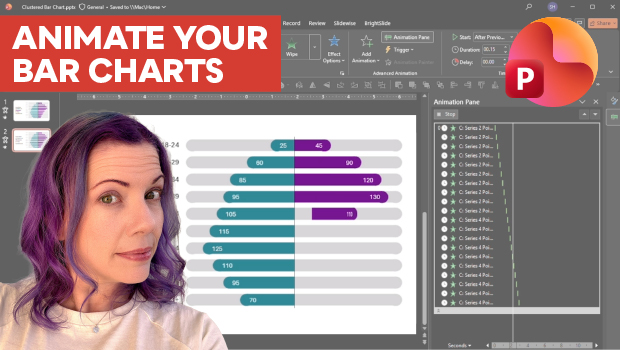
Animate a Waterfall Effect on a PowerPoint Bar Chart
Stephy Hogan is back with another eye-catching animated chart design.
How to Enable Photoshop’s Quiet Mode to Stop “Helpful” Pop-Ups
Turn on Quiet Mode in Photoshop for a more peaceful workflow.