



In this Photoshop how-to video, Mike Rankin shows how to get rid of annoying Tooltips and New Feature pop-ups. Just choose Enable Quiet Mode in the Notifications menu, and you’ll have a distraction-free workspace.
Subscribe to the CreativePro YouTube channel for more helpful design tips!
This article was last modified on November 6, 2025
This article was first published on November 4, 2025
Commenting is easier and faster when you're logged in!

Recommended for you
Remove Imported-Style Symbols
When you place a Word file in InDesign, all styles have a symbol to indicate tha...
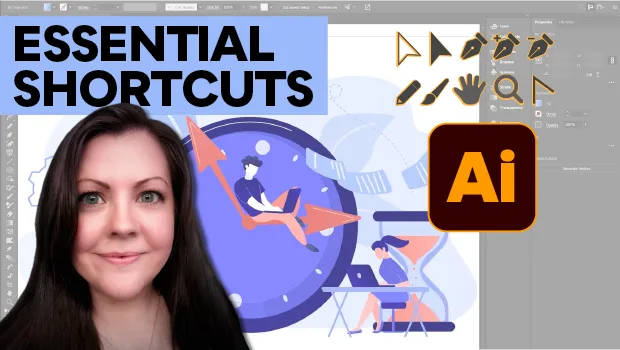
Essential Illustrator Shortcuts
Save time with Kat Kremser's cheat sheet of Illustrator shortcuts!

Example Course
This course content shows under the About tab on the main Course page. You can l...
