



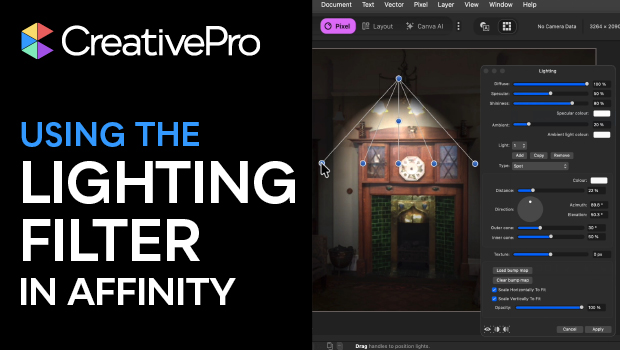
In this Affinity how-to video, Steve Caplin demonstrates how to use the Lighting filter to illuminate a scene. He shows how to manipulate the location, direction, and intensity of the light using the convenient handles. Finally, Steve explains how to apply these effects as a Live Filter Layer so that your lighting remains fully editable and non-destructive.
Subscribe to the CreativePro YouTube channel for more helpful design tips!
This article was last modified on April 17, 2026
This article was first published on April 17, 2026
Commenting is easier and faster when you're logged in!

Recommended for you

What If Your Proofing Tool Could Markup the Proof for You?
Imagine opening a proof and seeing suggested markups already waiting – hig...

Interview with Valentina D’Efilippo, Creative Director and Data Designer
Thaddeus Coates shares his fun and fearless approach to design and how community...
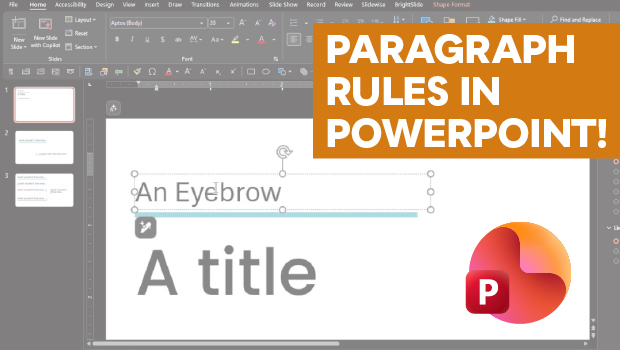
How to Add Paragraph Rules in PowerPoint
This clever workaround creates InDesign-like paragraph rules in PowerPoint.