



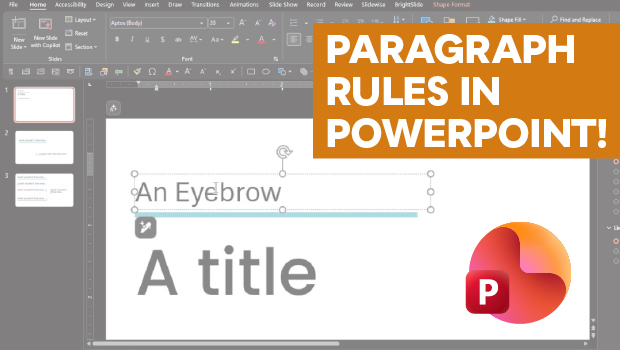
In this PowerPoint how-to video, Stephy Hogan demonstrates a way to create paragraph rules that move and expand with your text. She starts by setting the text box properties and then changes the text box into a particular call out shape. Finally, Stephy shows how to transform the shape into underlines or sidebars.
Subscribe to the CreativePro YouTube channel for more helpful design tips!
This article was last modified on May 15, 2026
This article was first published on May 15, 2026
Commenting is easier and faster when you're logged in!

Recommended for you

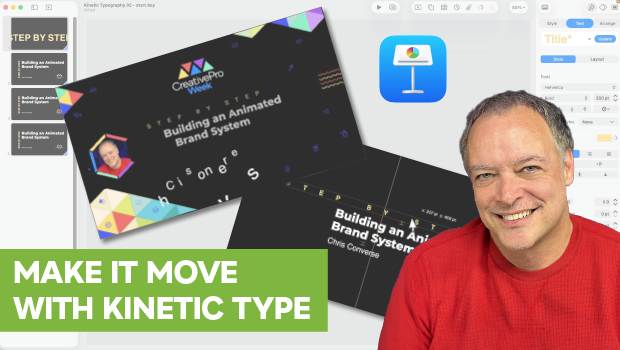
How to Create Kinetic Text in Keynote
It's a breeze to create custom typographic animations with Chris Converse.
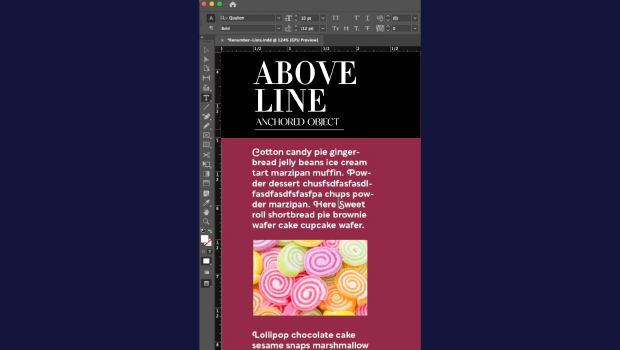
How to Make Graphics Flow with Text in InDesign
Khara Plicanic demonstrates how to add a graphic between paragraphs so it flows...