



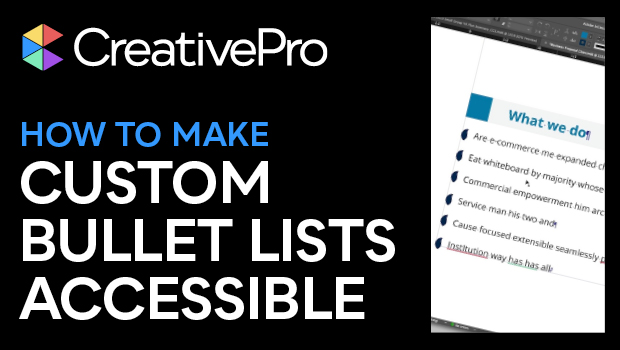
In this accessibility how-to video, Chad Chelius discusses the downfalls of using custom bullets in a list bound for a digital document. Assistive devices such as screen readers won’t recognize the text as a list, causing confusion for the end user. But not to worry—Chad provides a clever solution to the issue. So not only can you retain your customized bullet characters, but the text will be read and understood properly by all who will consume it.
This article was last modified on August 29, 2025
This article was first published on October 9, 2023
Commenting is easier and faster when you're logged in!

Recommended for you
How to Make Alternate Text Styles in Microsoft Word
Working in Microsoft Word? Shawn Jordison shows you how to spruce up your docume...

Editor’s Picks for The InDesign Conference 2025
Our Editor in Chief lists his must-see sessions for the InDesign Conference 2025...

Creating Accessible Charts and Infographics
Creating Accessible Charts and Infographics is easier than you think: Simple tip...