



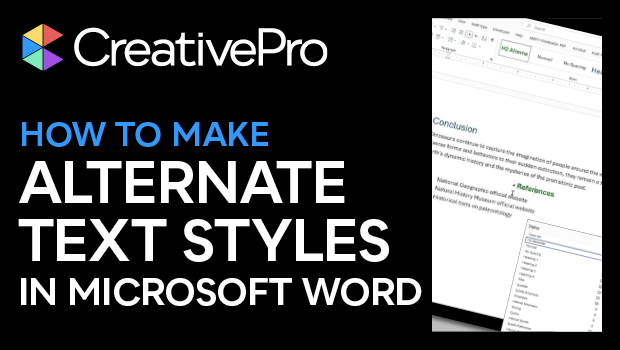
In this Microsoft Word how-to video, Shawn Jordison plays with alternate heading styles. Shawn creates a new Heading 2 in his document, then uses the Save As command to convert the file to PDF. This powerful feature ensures that your creative formatting in Word is carried over to Adobe Acrobat.
This video is a sneak peek of Shawn’s upcoming Design + Accessibility Summit 2025 session, Microsoft Word to Accessible PDF. To learn more about this event and see the full agenda, click here.
Subscribe to the CreativePro YouTube channel for more helpful design tips!
This article was last modified on August 29, 2025
This article was first published on July 25, 2025
Commenting is easier and faster when you're logged in!

Recommended for you
How to Style Text with AI for Use in InDesign
Have ChatGPT handle your Word document text formatting so you can focus on desig...

Editor’s Picks for The InDesign Conference 2025
Our Editor in Chief lists his must-see sessions for the InDesign Conference 2025...
A Script to Remove Imported-Style Symbols in InDesign
When you place styled content from Microsoft Word into InDesign, the paragraph a...