



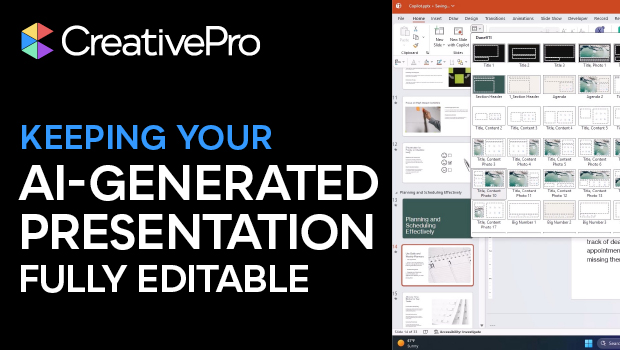
In this presentation design video, Camille Holden warns against generating AI slide decks for clients that aren’t easily editable. Instead, she suggests creating your slide deck in your preferred presentation design software, using any native AI assistant—like Copilot—for help.
Subscribe to the CreativePro YouTube channel for more helpful design tips!
This article was last modified on February 23, 2026
This article was first published on January 6, 2026
Commenting is easier and faster when you're logged in!

Recommended for you
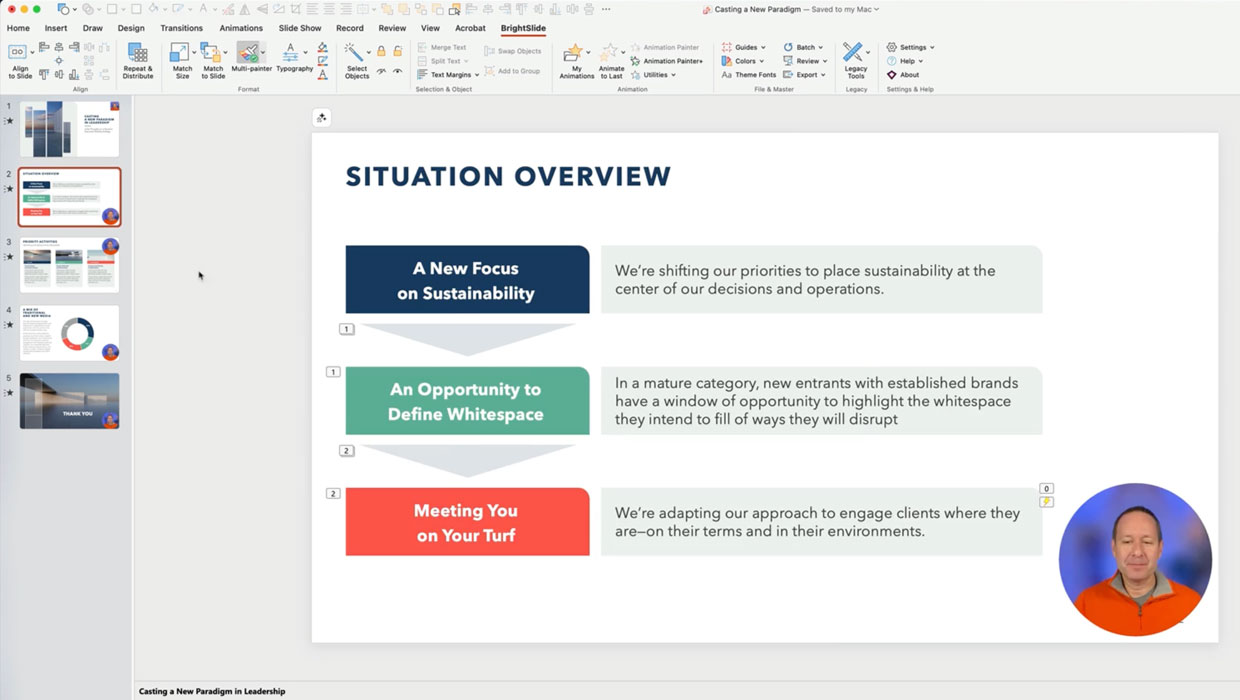
Members-Only Video: Using the Built-in Recording Tools in PowerPoint
Learn how to record your PowerPoint presentation so it can be played back later...
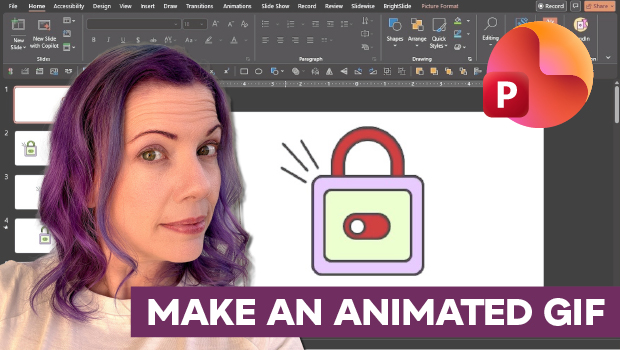
How to Make an Animated GIF in PowerPoint
Create a looping animation in PowerPoint using the Morph transition.
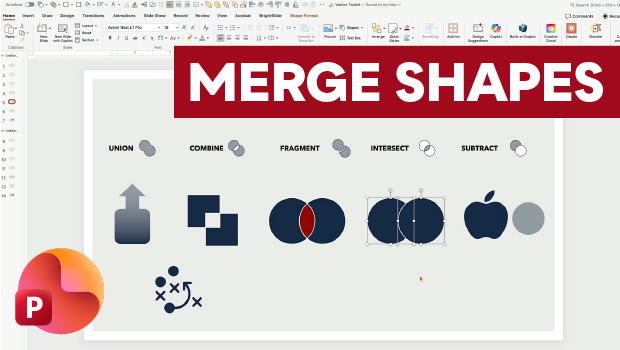
Getting the Most from PowerPoint’s Merge Shapes Feature
Explore Merge Shapes, one of PowerPoint's most powerful tools, with Nolan Haims!