



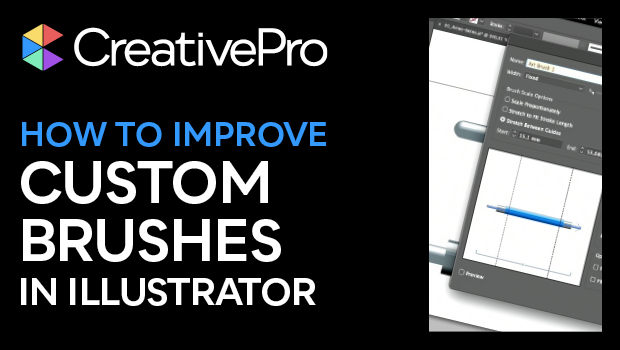
In this “Three Minutes Max” video, Monika Gause shows how to overcome some limitations and oddities of custom brushes in Illustrator. She explains how to manipulate regions of a brush, for instance to have portions of the brush not follow the curve of the underlying stroke. Monika then demos how using a pattern brush can fix the odd results when a brush’s path overlaps.
Three Minutes Max comes from a fun—yet very competitive—session at our annual CreativePro Week conference. Speakers have three minutes to wow the audience with the tip and win a prize for a lucky conference attendee.
Subscribe to the CreativePro YouTube channel for more helpful design tips!
This article was last modified on August 29, 2025
This article was first published on August 16, 2023
Commenting is easier and faster when you're logged in!

Recommended for you
How to Get X-Ray Vision in Illustrator!
Khara Plicanic shows how to see just the framework of your Illustrator creations...
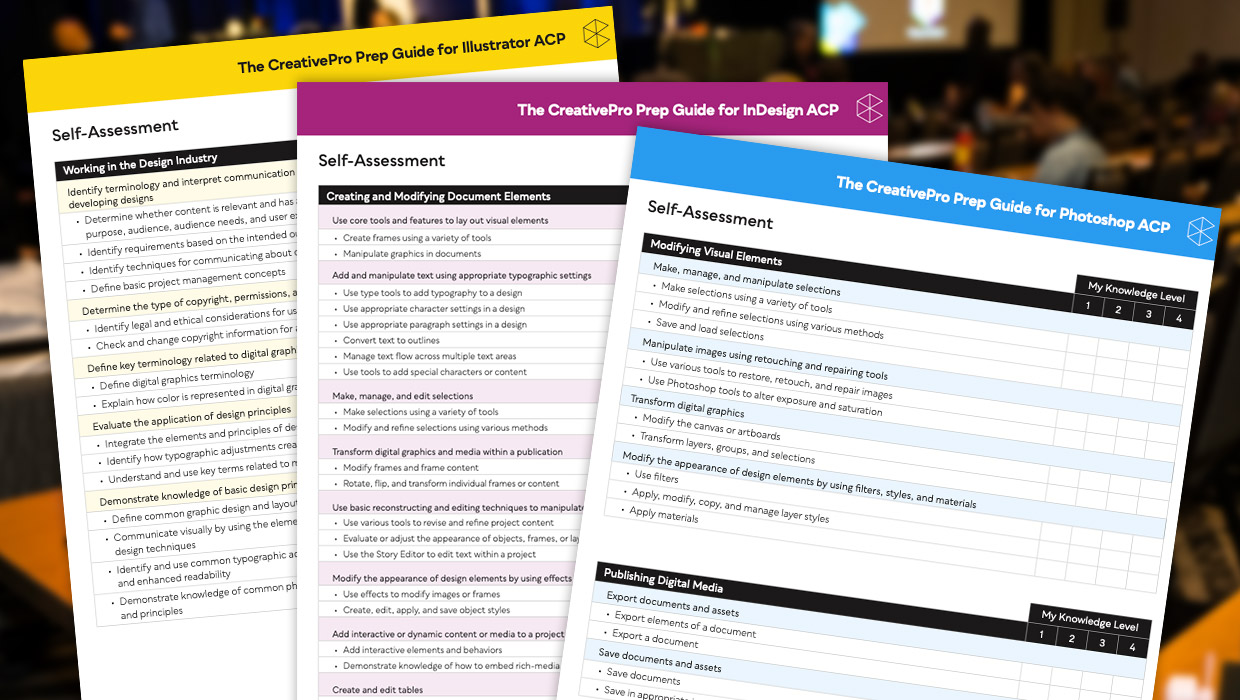
Adobe Certified Professional Exam Prep Guides
Use these self-assessment guides to determine what you should study to pass the...

Quick Wins: Vector Drawing Skills
Use these five resources to boost your vector drawing skills.