



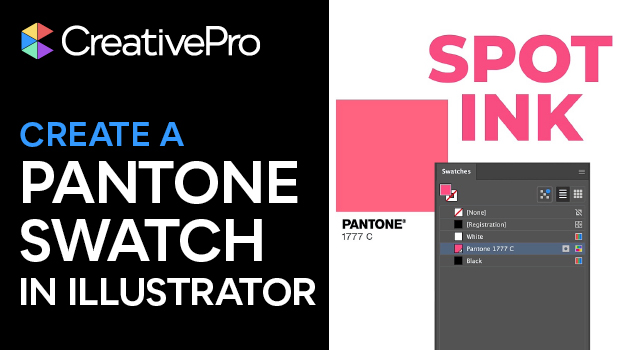
In this Illustrator how-to video, Theresa Jackson mourns the loss of Pantone swatches in Adobe software — but also shows you how to create your own! Starting with Pantone’s color finder tool, Theresa finds her chosen color and then she tracks down the RGB color values. Back in Illustrator, she demonstrates how to input the color into the Swatch panel.
Subscribe to the CreativePro YouTube channel for more helpful design tips!
This article was last modified on February 6, 2026
This article was first published on February 6, 2026
Commenting is easier and faster when you're logged in!

Recommended for you

CreativePro Week 2026 Preview: 5 Indispensable InDesign Sessions
Five sessions InDesign users can't afford to miss
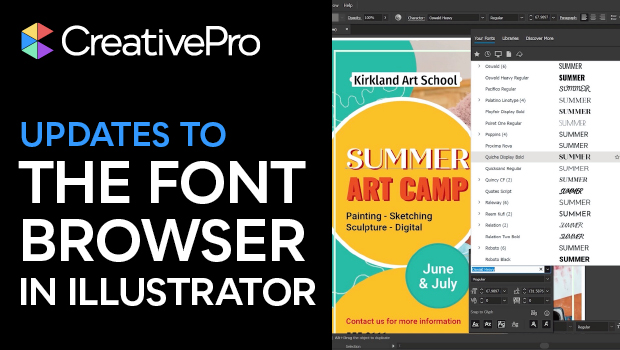
New Font Browser Features in Illustrator
Explore the new features added to the Font Browser in Illustrator 2026.

Livestream Video: Creating 3D Lettering Using Illustrator’s Inflate Tool
Join Khara Plicanic as she shows how to create stunning 3D lettering with Illust...