



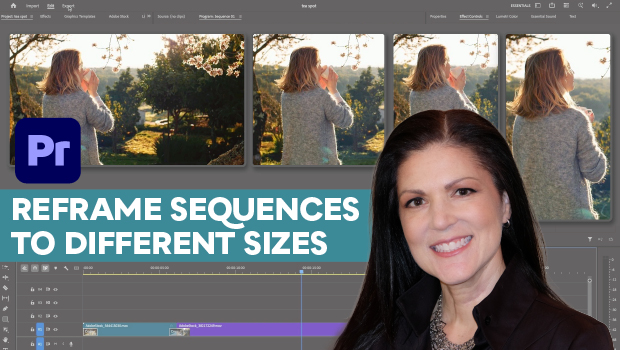
In this Premiere how-to video, Myra Ferguson demonstrates how to reframe videos for social media platforms with different aspect ratios. She explains how to use the Auto Reframe feature to create a video that fills the entire frame while keeping the subject visible. Finally, Myra shows how to fix any minor errors manually and export your videos.
Subscribe to the CreativePro YouTube channel for more helpful design tips!
This article was last modified on June 23, 2026
This article was first published on June 23, 2026
Commenting is easier and faster when you're logged in!

Recommended for you

Editor’s Picks for The InDesign Conference 2025
Our Editor in Chief lists his must-see sessions for the InDesign Conference 2025...
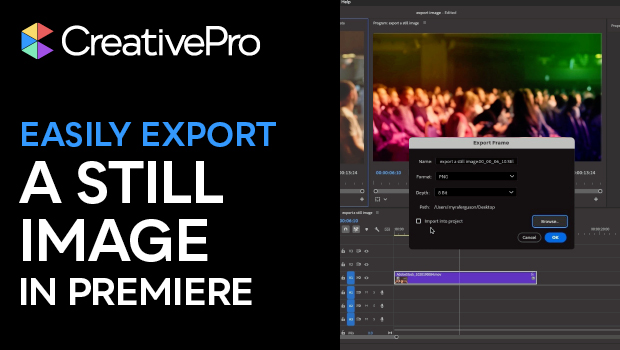
Export a Still Image from a Video in Premiere
Export a single frame from a video in Premiere with Myra Ferguson.
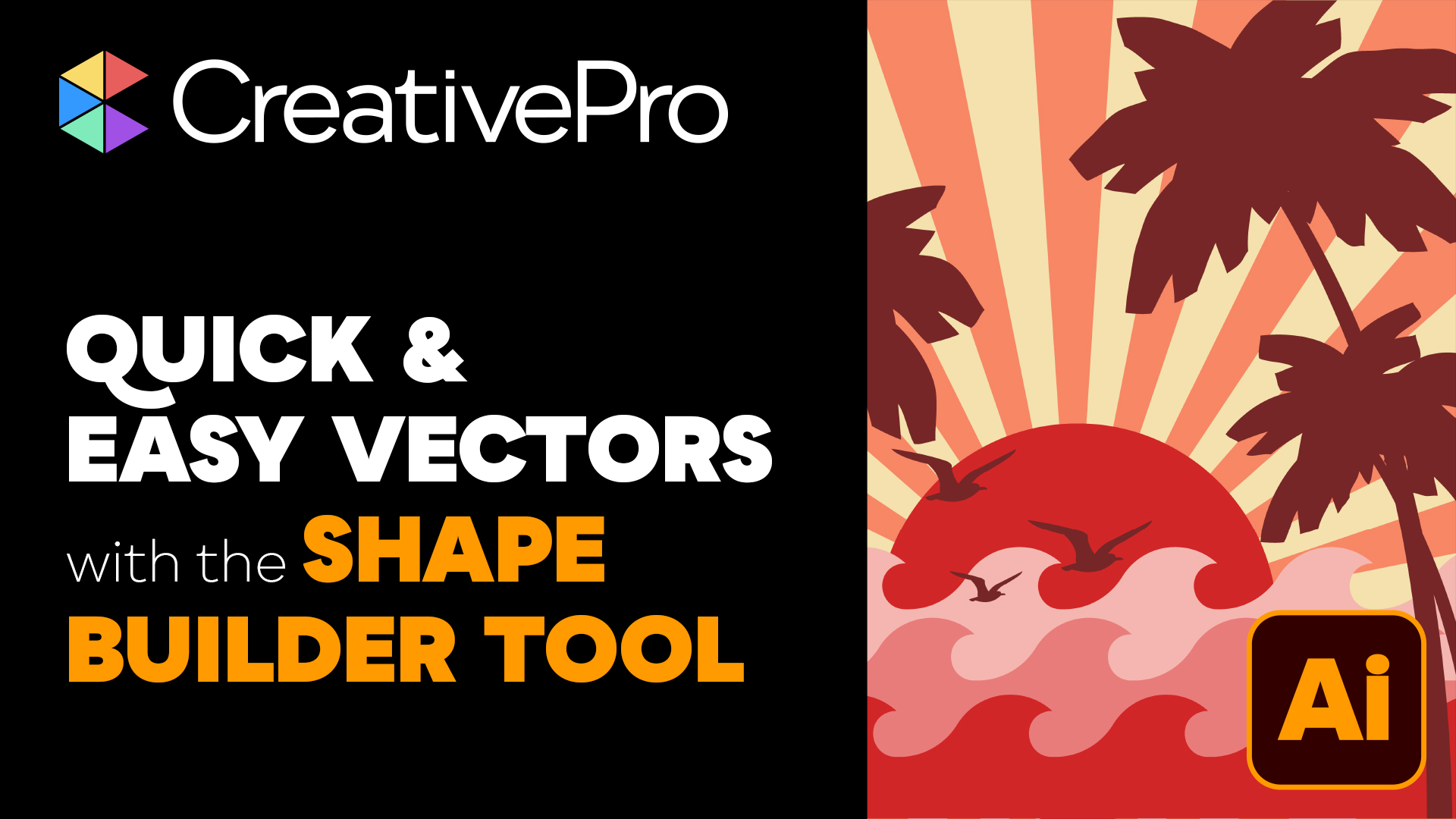
Livestream Video: Quick & Easy Vectors with Illustrator’s Shape Builder Tool
Join Khara Plicanic as she explores an easier way of drawing vector shapes in Il...