



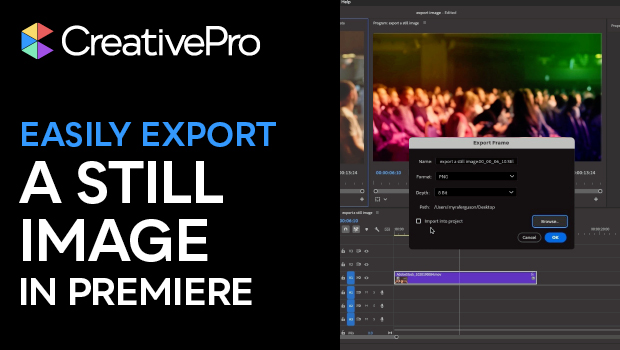
In this Premiere how-to video, Myra Ferguson shows how to capture a still image from a video clip. She explains how to open your video as a sequence and navigate to a specific frame using the timeline. Then, Myra demonstrates two different pathways to export the frame as an image.
Subscribe to the CreativePro YouTube channel for more helpful design tips!
This article was last modified on April 14, 2026
This article was first published on April 14, 2026
Commenting is easier and faster when you're logged in!

Recommended for you
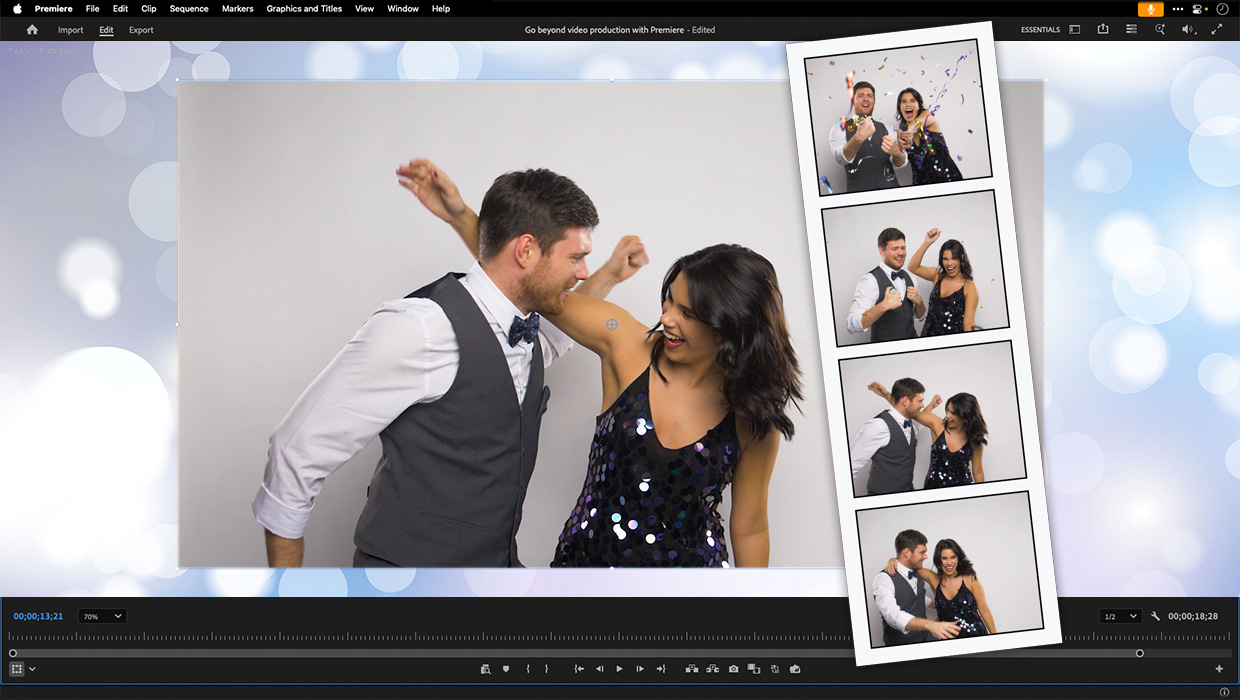
Premiere: It’s Not Just For Video
Designers using InDesign and Photoshop can look at Premiere as a surprising reso...
Navigating and Customizing the Premiere Interface
Are you a Premiere beginner? Get started and customize your workspace with Myra...
How to Export Videos in Different Aspect Ratios from Premiere
Quickly reframe your video for any social media platform with Myra Ferguson.