




In this Three Minutes Max video, Chris Converse shows off a clever way to place charts animated in PowerPoint into a video application. He first sets up the animation—using PowerPoint’s Morph transition—and exports using a greenscreen, of sorts. Chris is then able to place the animation with transparency into his working video file.
Three Minutes Max comes from a fun—yet very competitive—session at our annual CreativePro Week conference. Speakers have three minutes to wow the audience with the tip and win a prize for a lucky conference attendee.
Subscribe to the CreativePro YouTube channel for more helpful design tips!
This article was last modified on August 29, 2025
This article was first published on March 25, 2024
Commenting is easier and faster when you're logged in!

Recommended for you
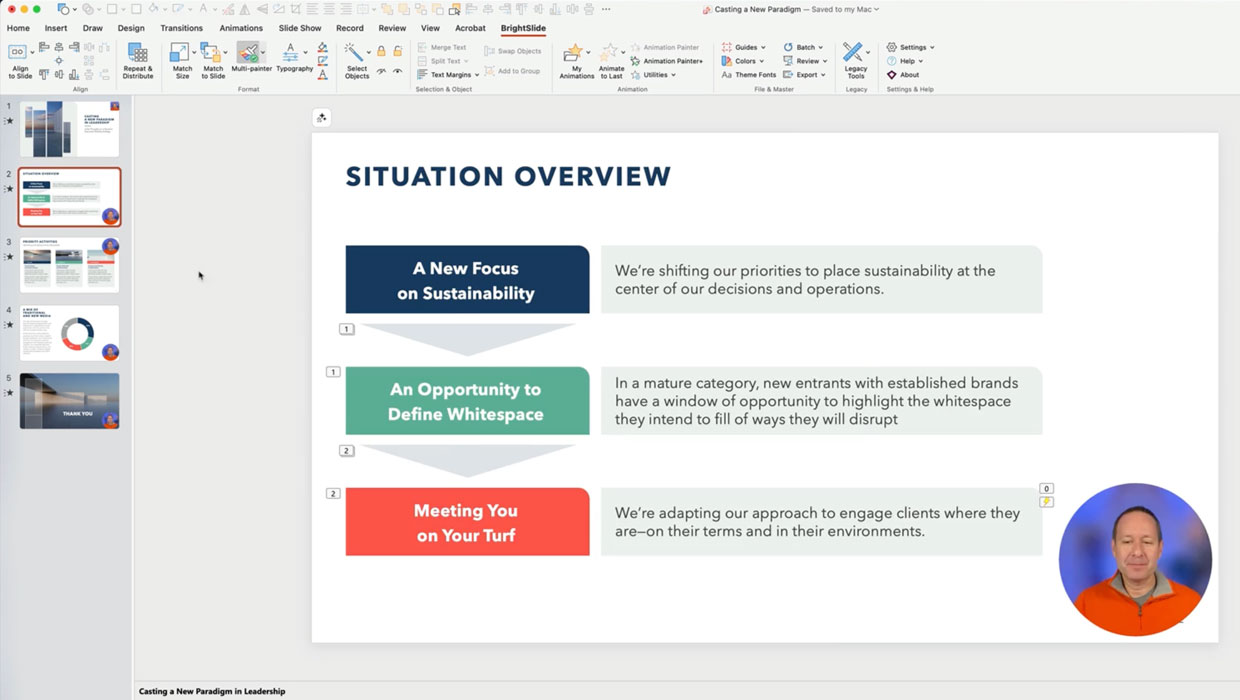
Members-Only Video: Using the Built-in Recording Tools in PowerPoint
Learn how to record your PowerPoint presentation so it can be played back later...

Accessibility Tips for Presentation Designers
Use these quick, no-stress fixes to make your slides more accessible.
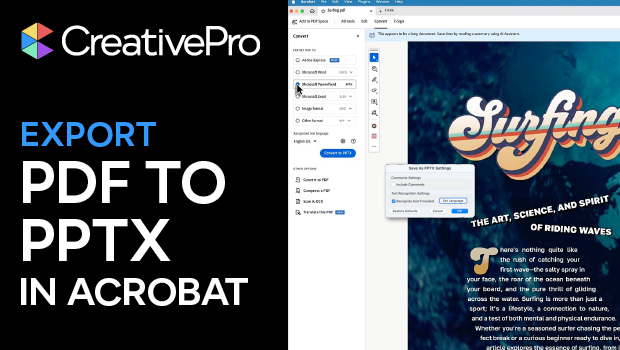
Export a PDF to a PowerPoint File from Acrobat
Editing your PDF file will be a breeze if you export it to PowerPoint, with Chad...