


How to Create Focus with Animation in PowerPoint
Learn how to create focus on a topic or bullet point by creating simple fade-in animation in PowerPoint.

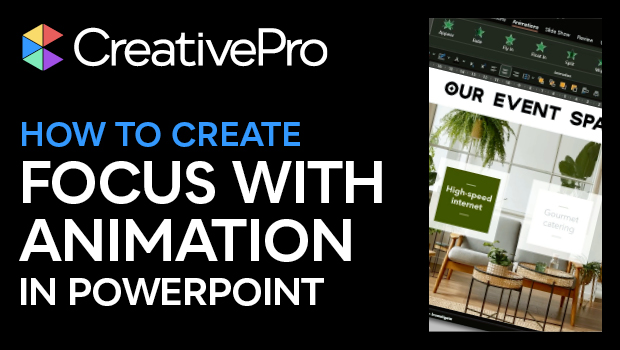
In this PowerPoint how-to video, Ingrid Mengdehl shows how to create focus on a topic or bullet point by creating simple fade-in animation. In addition to fading in specific information, she adds an overlay to bring the other info out of focus. The animation used doesn’t detract from the main purpose of the example value proposition slide, but simply draws the viewer’s eye where you want.
This video is an excerpt from Ingrid’s session at our Design + PowerPoint Summit 2023. Check out this and all of our events on our events page.
Subscribe to the CreativePro YouTube channel for more helpful design tips!
This article was last modified on August 29, 2025
This article was first published on June 27, 2024
Commenting is easier and faster when you're logged in!

Recommended for you
Export a PDF to a PowerPoint File from Acrobat
Editing your PDF file will be a breeze if you export it to PowerPoint, with Chad...

Give Your Housekeeping Slides a Makeover
Tired of the dreaded housekeeping slide? Jody Wissing can help you spruce up you...

Create an Animated Looping Logo in Premiere
This looping animated logo tutorial from Myra Ferguson is perfect for Premiere b...