




Ever faced a situation where you had to reformat data in a table by transposing the rows and columns? The thought of manually doing that job with copy and paste might get you to reconsider your career choices. Personally, I’d just press Command+Q and go take up beet farming. Fortunately, there are much better ways, and David Blatner demonstrates three of them in the free video below from Lynda.com. Check it out!
Swapping Column and Row Information in Tables
For Lynda.com members, if you are currently signed in to your account, you can also check out these videos from the series.
Not a Lynda.com member?
Get 10 days of free unlimited access to Lynda.com.
Discovering the Secrets of the Tabs Panel
Making Bigger Text Link Targets
Creating Better Callout Lines with Effects and Object Styles
This article was last modified on March 5, 2025
This article was first published on May 13, 2016
Commenting is easier and faster when you're logged in!

Recommended for you
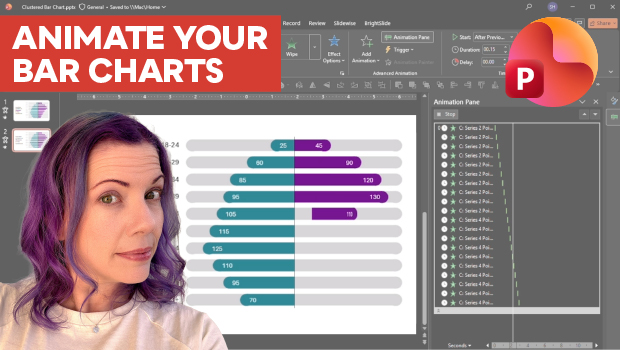
Animate a Waterfall Effect on a PowerPoint Bar Chart
Stephy Hogan is back with another eye-catching animated chart design.

Quickly Renumber a List in InDesign
Khara Plicanic shows how to renumber an InDesign list without digging through me...

Rotate Flat Elements in 3D Space in Photoshop
Khara Plicanic demonstrates how to take a flat photo element and rotate and tilt...