



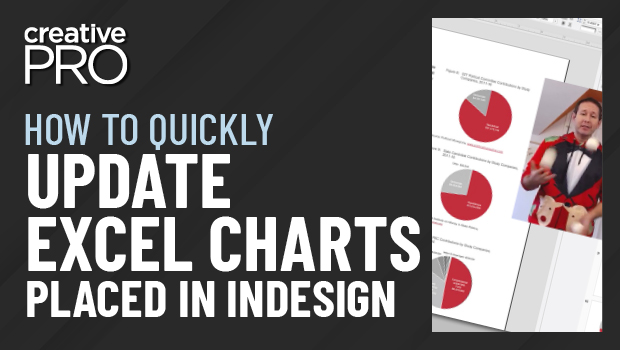
In this “Three Minutes Max” video, Nolan Haims shows us how to update an Excel chart and have it update in InDesign… all while juggling. Yes, juggling! Taken from the InDesign Secrets Holiday Special, he explains how he edits an Excel chart that updates in InDesign, with a little help from PowerPoint!
Three Minutes Max comes from a fun—yet very competitive—session at our annual CreativePro Week conference. Speakers have three minutes (max!) to wow the audience with the tip and win a prize for a lucky conference attendee.
New videos every week on our CreativePro YouTube channel. Be sure to subscribe so you don’t miss any!
This article was last modified on August 29, 2025
This article was first published on December 28, 2020
Commenting is easier and faster when you're logged in!

Recommended for you
How to Keep AI-Generated Presentations Fully Editable
An AI-assisted workflow that actually works, so your files are beautiful and fun...
How to Convert PowerPoint Slides to Google Slides
Learn how to convert your PowerPoint deck to Google Slides and how to fix the th...
How to Convert Text to Outlines in PowerPoint
PowerPoint doesn’t make it easy to convert your live text to outlines, but Steph...