




To add a graphic separator between paragraphs, anchor the graphic as the first character in the second paragraph, select it, choose Object > Anchored Object > Options, and choose the Above Line option.
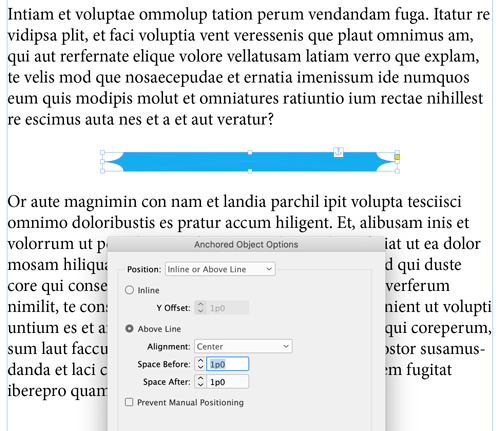
Bonus: You can use the Anchored Object Control (the little blue square that appears on an object when it is selected) to anchor an object and set the options. To anchor an object, simply drag the blue square to the point in the text where you want the anchor to be located. To anchor an object and open the options dialog box at the same time, hold Option/Alt as you drag and release the blue square.
This article was last modified on January 12, 2026
This article was first published on June 10, 2019
Commenting is easier and faster when you're logged in!

Recommended for you
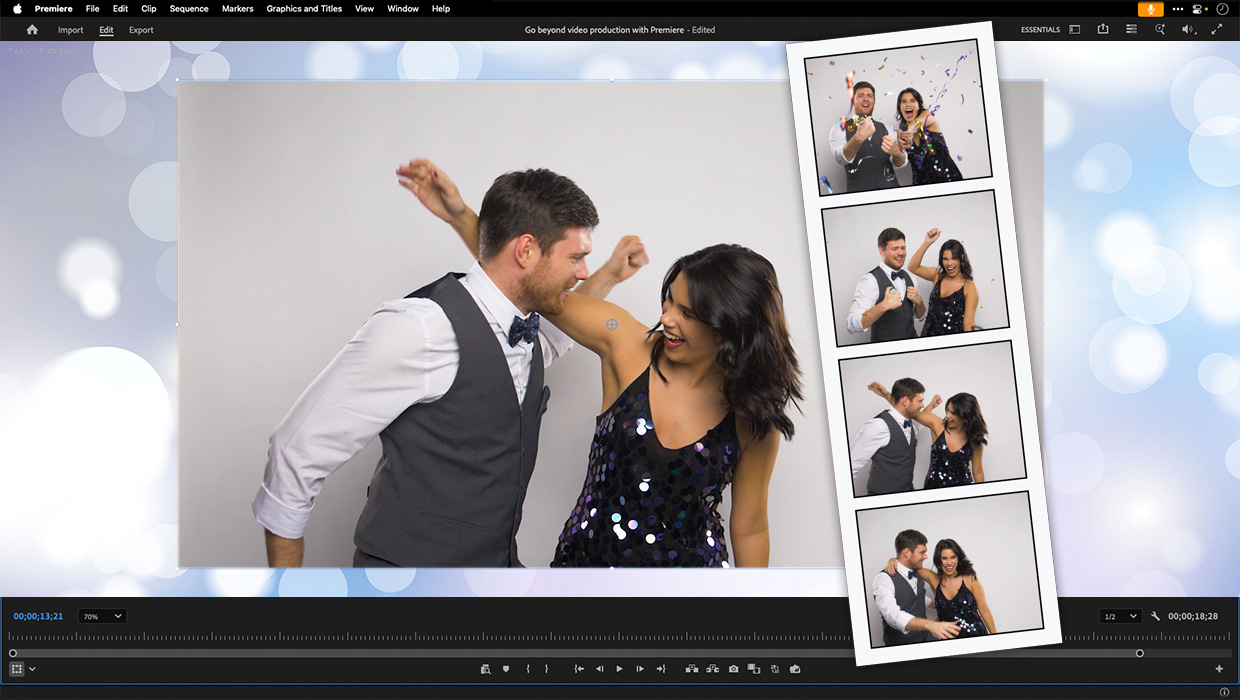
Premiere: It’s Not Just For Video
Designers using InDesign and Photoshop can look at Premiere as a surprising reso...
How to Export Videos in Different Aspect Ratios from Premiere
Quickly reframe your video for any social media platform with Myra Ferguson.
Livestream Video: Quick & Easy Vectors with Illustrator’s Shape Builder Tool
Join Khara Plicanic as she explores an easier way of drawing vector shapes in Il...