


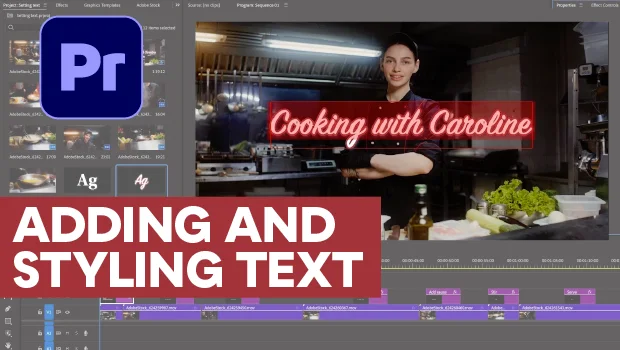
In this Premiere how-to video, Myra Ferguson walks you through making your video’s text look good. She starts with the basics, creating her text with the Type tool and adjusting its characteristics using the Properties panel. Then she demonstrates how to save and reuse your text styles, as well as how to make sure your text stays in frame.
Subscribe to the CreativePro YouTube channel for more helpful design tips!
This article was last modified on September 25, 2026
This article was first published on September 25, 2026
Commenting is easier and faster when you're logged in!

Recommended for you
Closed Captioning in Premiere
Add captions to your Premiere video to ensure everyone benefits from its audio t...
How to Style Text with AI for Use in InDesign
Have ChatGPT handle your Word document text formatting so you can focus on desig...
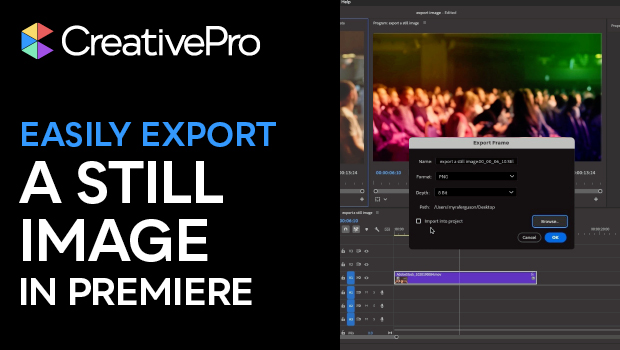
Export a Still Image from a Video in Premiere
Export a single frame from a video in Premiere with Myra Ferguson.