



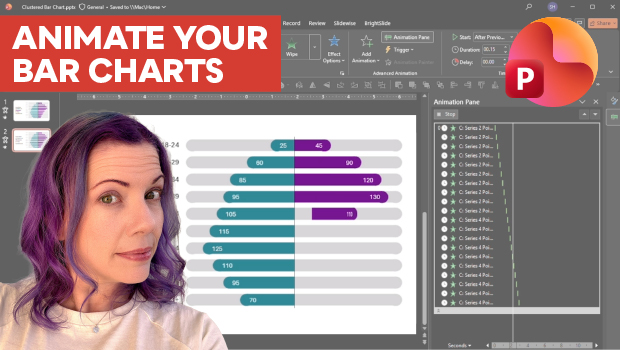
In this PowerPoint how-to video, Stephy Hogan demonstrates how to animate a clustered bar chart so the data bars appear in a waterfall motion. She explains how to apply the Stretch entrance effect and configure it to Build By Element. Finally, Stephy adjusts the direction of the effect so the bars grow away from the middle axis.
Subscribe to the CreativePro YouTube channel for more helpful design tips!
This article was last modified on July 7, 2026
This article was first published on July 7, 2026
Commenting is easier and faster when you're logged in!

Recommended for you
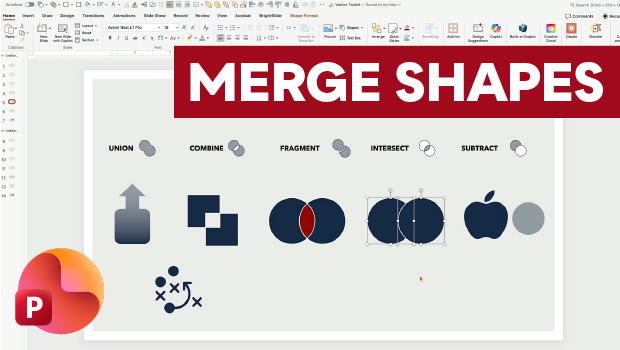
Getting the Most from PowerPoint’s Merge Shapes Feature
Explore Merge Shapes, one of PowerPoint's most powerful tools, with Nolan Haims!

Create an Animated Looping Logo in Premiere
This looping animated logo tutorial from Myra Ferguson is perfect for Premiere b...
How to Convert Text to Outlines in PowerPoint
PowerPoint doesn’t make it easy to convert your live text to outlines, but Steph...