



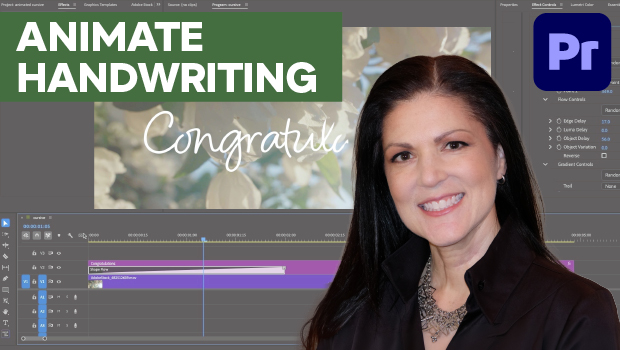
In this Premiere how-to video, Myra Ferguson demonstrates how to animate cursive text using the Shape Flow effect. First, she shows where to find the transition effect and how to add it to her text. Then, Myra shows how to fine-tune the animation’s start point, timing, and flow using the Effect Controls panel.
Subscribe to the CreativePro YouTube channel for more helpful design tips!
This article was last modified on June 3, 2026
This article was first published on June 3, 2026
Commenting is easier and faster when you're logged in!

Recommended for you

CreativePro Week 2026 Preview: 5 Game-Changing Motion and Video Sessions
Here are five great sessions that will "motivate" you to join us in Nashville
How to Apply an Animation Sequence to an Object in InDesign
Learn how to apply a sequence of animations to an object in InDesign—something t...
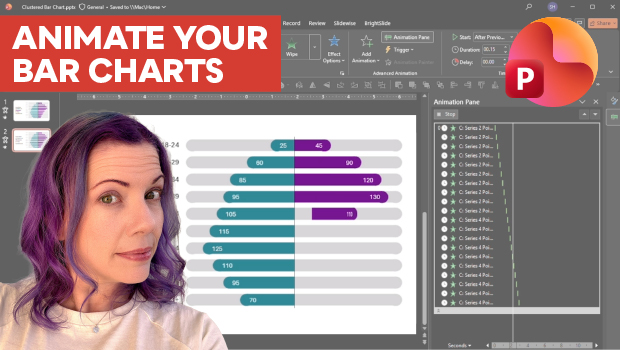
Animate a Waterfall Effect on a PowerPoint Bar Chart
Stephy Hogan is back with another eye-catching animated chart design.