




Every once in a while you might have some special text in your documents that you want to treat differently from the rest. Maybe it’s something that you never want to hyphenate, like a brand name or a URL. Or a passage with lots of words you don’t want to be flagged in a spell check. Or maybe you’re writing something with computer code where inDesign’s smart quotes feature will insert the wrong characters. In all these cases you can apply No Language to the text to solve the problem.
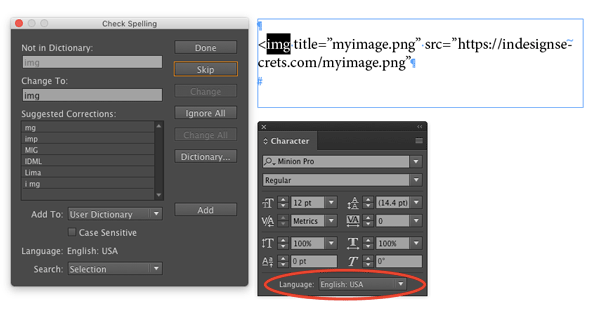
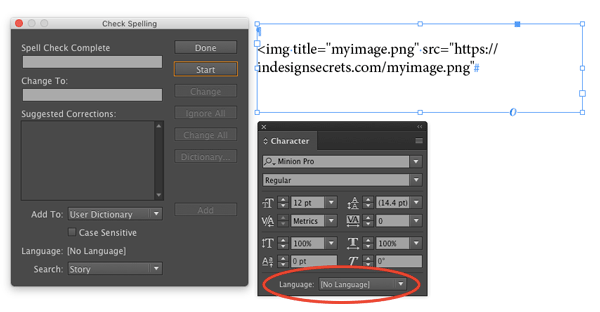
Note that in the case of URLs, if InDesign is not breaking them the way you’d like, you can address the problem with a GREP style. See Caleb Clauset’s InDesign Magazine article URLs Breaking Badly for the details.
This article was last modified on July 25, 2019
This article was first published on April 26, 2017
Commenting is easier and faster when you're logged in!

Recommended for you
Livestream Video: Quick & Easy Vectors with Illustrator’s Shape Builder Tool
Join Khara Plicanic as she explores an easier way of drawing vector shapes in Il...

Free Webinar: Accessibility Essentials
Learn the foundational concepts, terminology, and best practices that every desi...
How to Export Videos in Different Aspect Ratios from Premiere
Quickly reframe your video for any social media platform with Myra Ferguson.