



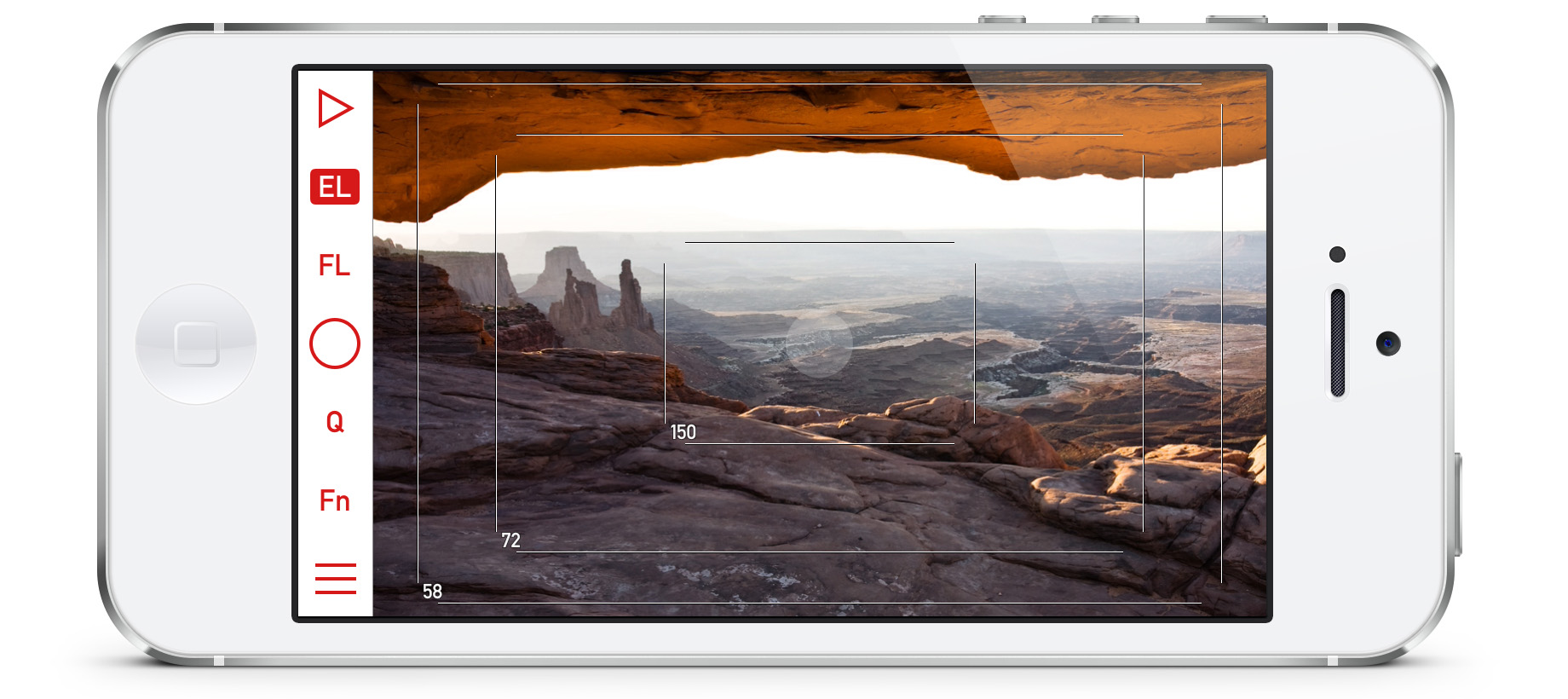
The old adage “measure twice, cut once,” has been sage advice for generations of artists and craftsmen, from stonecutters to seamstresses. Of course, it applies to modern creative work too, including digital photography. The ability to visualize a shot before you reach for your gear can save you time and effort, and yield better results.
The Mark II Artist’s Viewfinder is an app for iPhones and iPads that allows you to accurately visualize what shots you can get in any situation by simulating various combinations of camera bodies and lenses. It works like your camera, so you can access the same features you’re used to. Then frame the shot, and click to save a full resolution photo for reference. Use the app to choose camera placement and compositions. Then when you’re ready to shoot, you know exactly which lens to reach for.
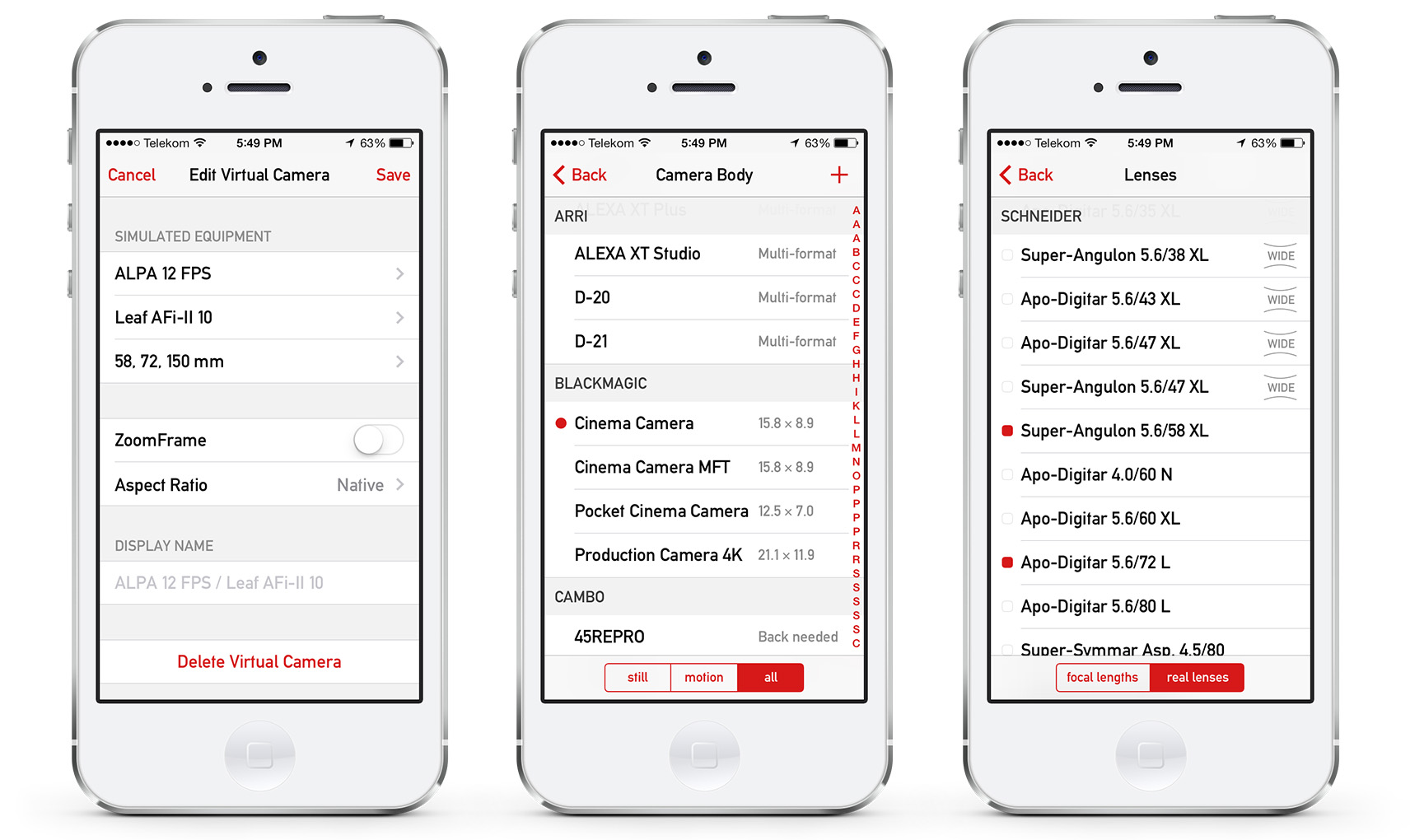
The app’s database contains more than 470 still and motion picture cameras, plus 150 medium/large format backs and countless lenses. And you can also define your own custom cameras and lenses.
The app is full-featured but pricey (at least by app standards) at $24.99 in the iTunes store.
For the full list of supported devices, check the Tech Specs page at artistsviewfinder.com
This article was last modified on January 8, 2023
This article was first published on March 4, 2014
Commenting is easier and faster when you're logged in!

Recommended for you

How to Adjust Colors in Photoshop Using Hue and Saturation
Learn how to manipulate an image’s colors using Photoshop’s Hue and Saturation s...

Using Photoshop’s Generative Fill to Remove Objects
Learn how to simply remove items from an image in Photoshop, without extra conte...

How to Adjust Colors Using Photoshop’s Contextual Task Bar
Learn how to use the Photoshop Adjust Colors feature to make quick, non-destruct...