




In this week’s InDesignSecrets video, Anne-Marie Concepción shows us how to view more information about images in InDesign files. From color space to scaling to resolution, she demos how to quickly see link info by customizing the Links Panel.
Check out new tutorials every Tuesday on our InDesign Secrets YouTube channel, then join the discussion on our Facebook group!
This article was last modified on August 29, 2025
This article was first published on May 1, 2019
Commenting is easier and faster when you're logged in!

Recommended for you
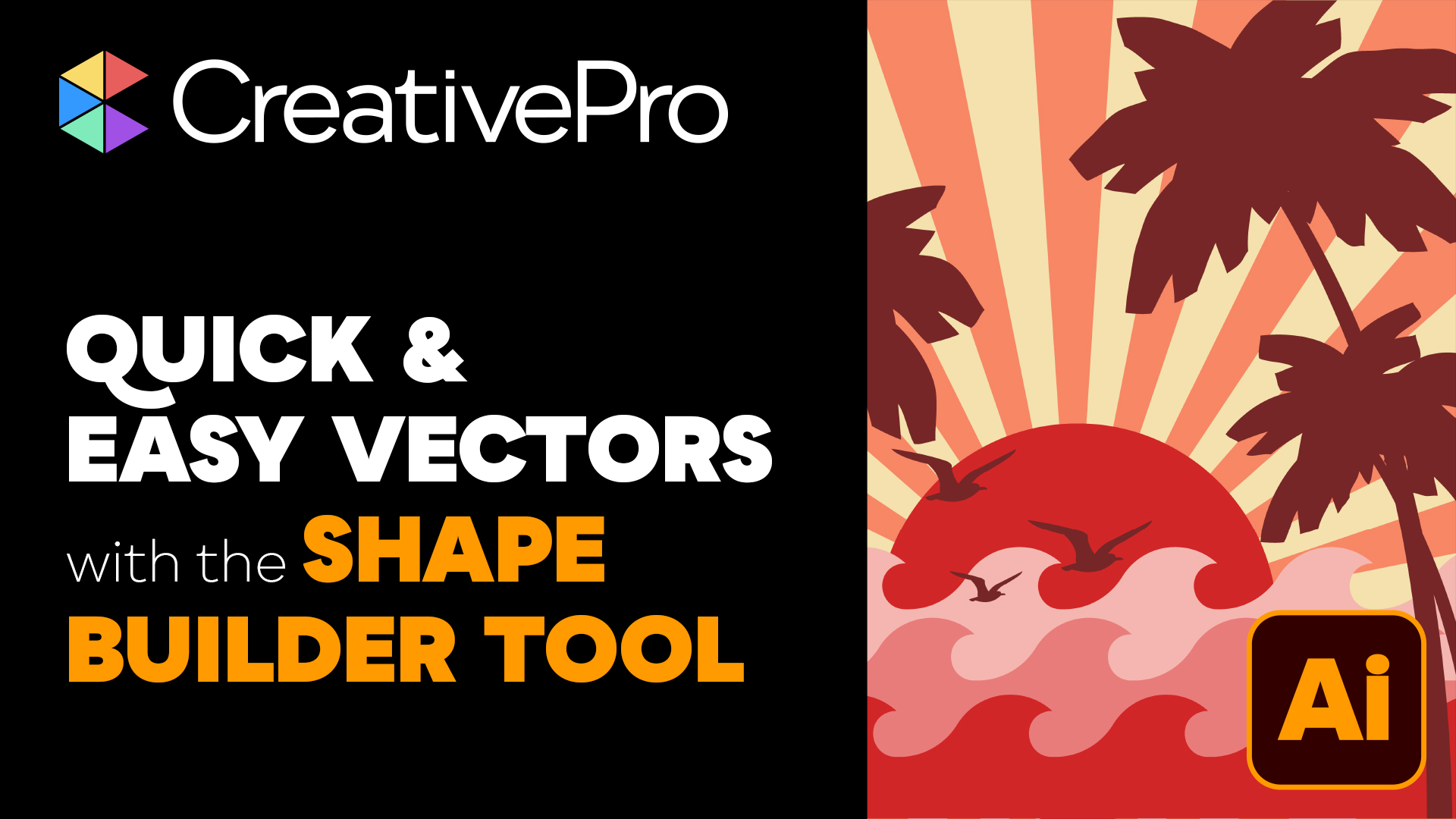
Livestream Video: Quick & Easy Vectors with Illustrator’s Shape Builder Tool
Join Khara Plicanic as she explores an easier way of drawing vector shapes in Il...
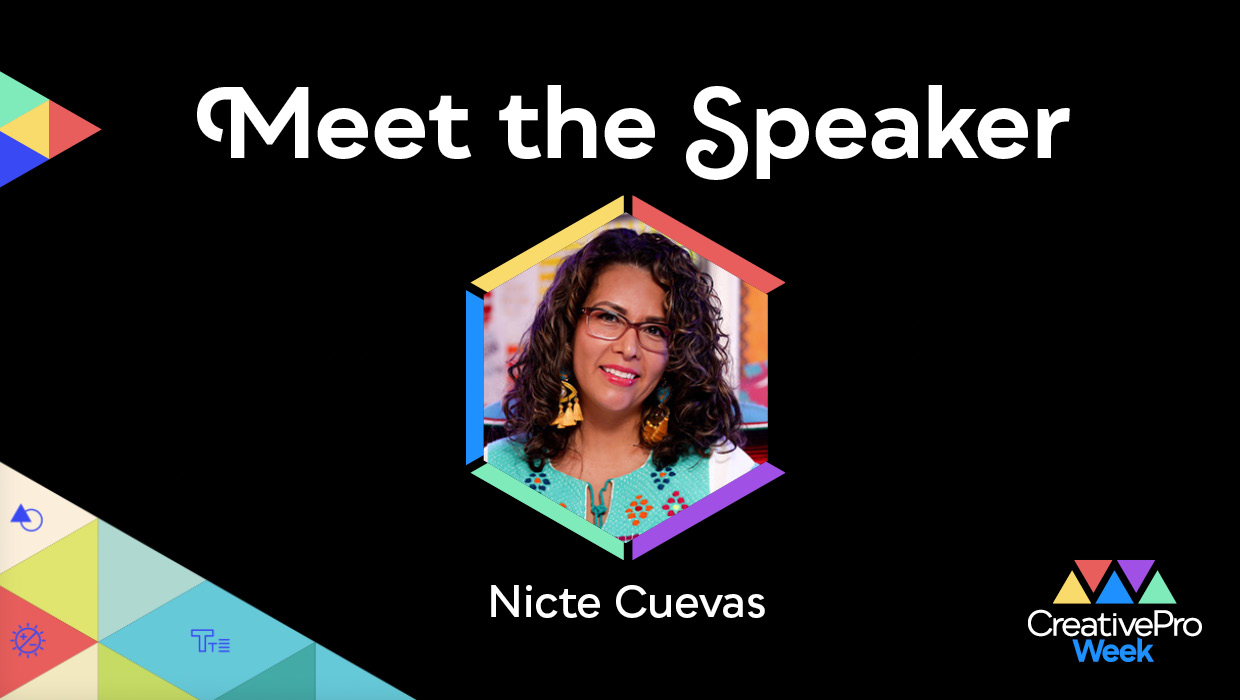
Interview with Nicte Cuevas, Brand Strategist and Designer
An award-winning strategist shares how personal resilience, cultural heritage, a...
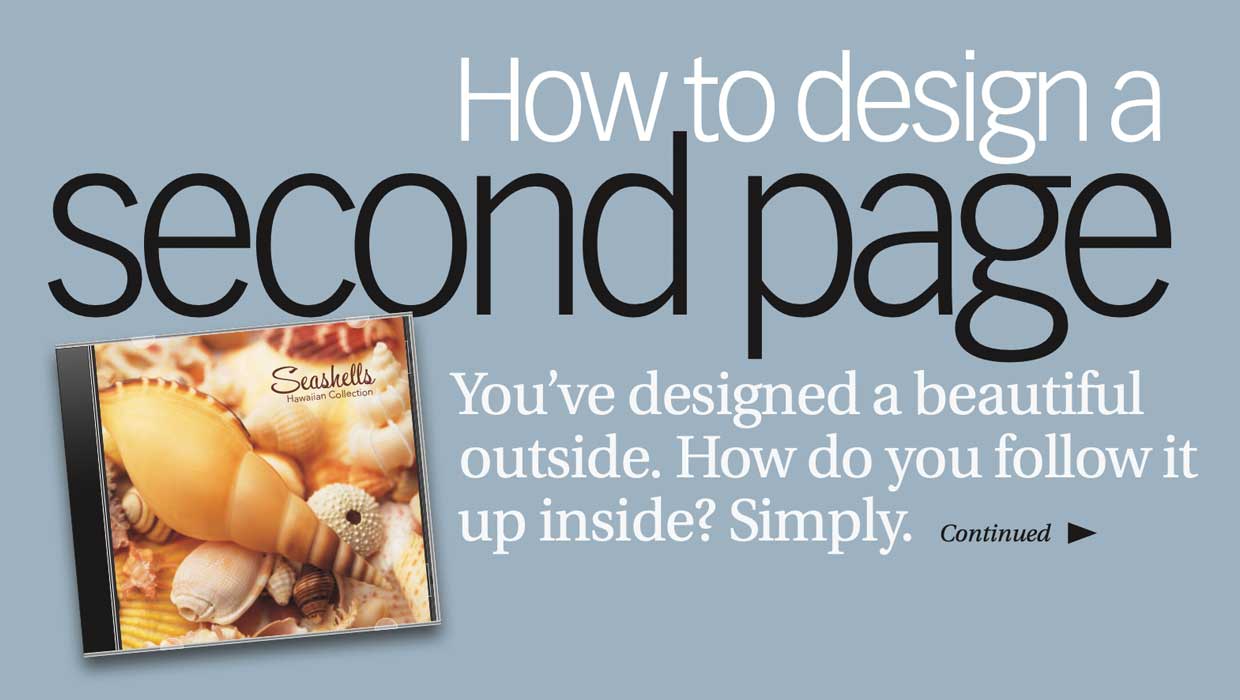
Before&After: How to Design a Second Page
You've designed a beautiful outside. How do you follow it up inside? Simply.