




In this week’s InDesignSecrets video, Mike Rankin explains how to reset any custom tracking and kerning values from your text. This is especially handy when using paragraph styles and you want to fix those values, but leave any other overrides in place.
Check out new tutorials every Tuesday on our InDesign Secrets YouTube channel, then join the discussion on our Facebook group!
This article was last modified on August 29, 2025
This article was first published on January 15, 2019
Commenting is easier and faster when you're logged in!

Recommended for you
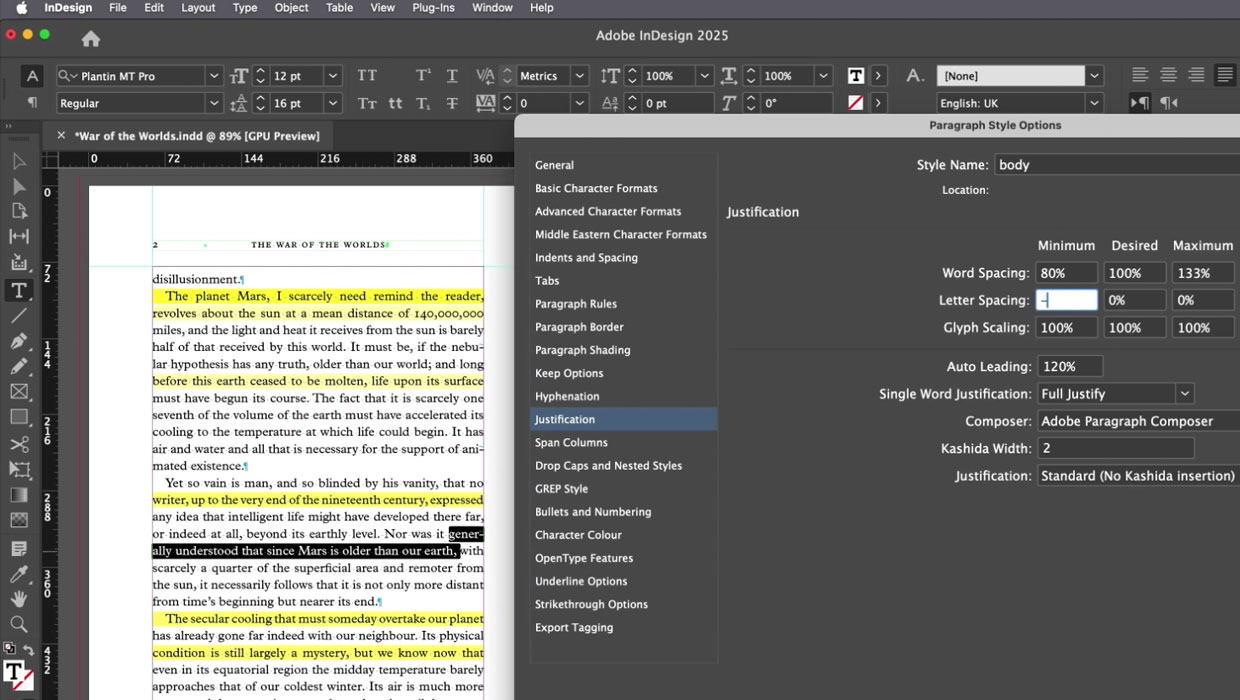
Members-Only Video: How to Set Great-Looking Body Text in InDesign
Learn all the essential tips and techniques for setting great-looking type in lo...
Why Your Print Workflow May Be Stuck in the Past
A Conversation with Adobe’s Mark Lewiecki on PDF best practices for print
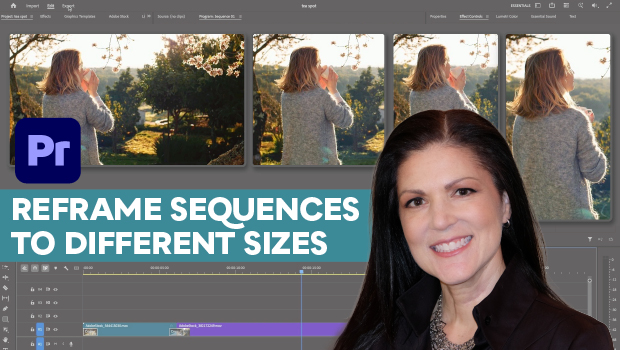
How to Export Videos in Different Aspect Ratios from Premiere
Quickly reframe your video for any social media platform with Myra Ferguson.