




In this week’s InDesignSecrets video, Erica Gamet demos how to use InDesign’s Primary Text Frame feature, to make changing master page layouts an easy task. This tutorial is an excerpt from Erica’s “Become an InDesign Superhero” session at CreativePro Week 2018.
Check out new tutorials every Tuesday on our InDesign Secrets YouTube channel, then join the discussion on our Facebook group!
Want to know more about Primary Text Frames? Check out this article by Steve Werner.
This article was last modified on August 29, 2025
This article was first published on April 23, 2019
Commenting is easier and faster when you're logged in!

Recommended for you

Before&After Design Tip: Too Many Focal Points? Just Send ’Em to the Back!
What do you do when your artwork is bolder than your text?
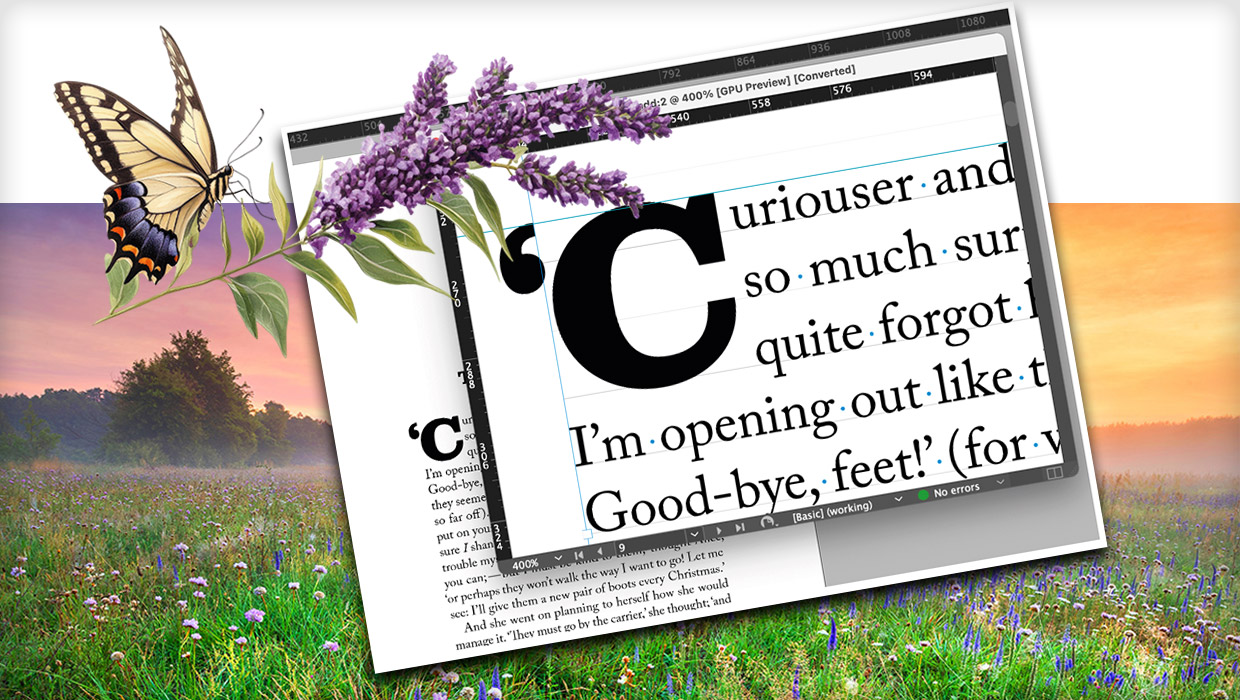
How to Be a Better Graphic Designer: Sweat the Details
Nigel French reminds us how much the little things matter in design.
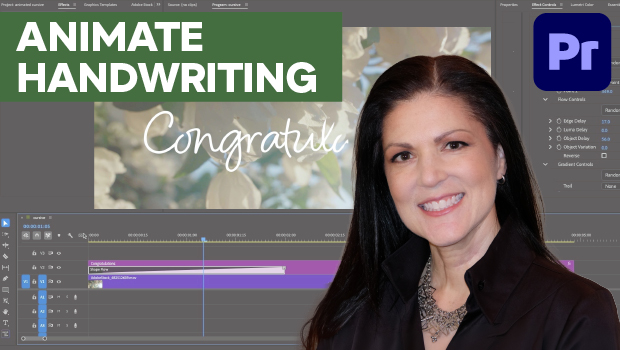
How to Animate Cursive Writing in Premiere
Use Myra Ferguson's Shape Flow transition effect tip to animate text.