




In this week’s InDesignSecrets video, David Blatner shows off a script to send an InDesign file’s layers to Photoshop layers. This free AppleScript from Rob Day ports the layers to Photoshop as Smart Objects which can then be manipulated and further enhanced with Photoshop effects. This tutorial is an excerpt from David’s “Scripts Every InDesign User Needs” session at CreativePro Week 2019.
Check out new tutorials every Tuesday on our InDesign Secrets YouTube channel, then join the discussion on our Facebook group!
This article was last modified on August 29, 2025
This article was first published on August 14, 2019
Commenting is easier and faster when you're logged in!

Recommended for you
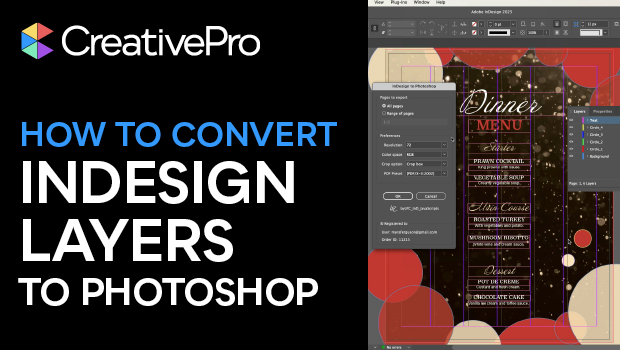
How to Convert InDesign Layers to Photoshop Layers
Myra Ferguson shows you how to turn your multi-layered InDesign document into Ph...
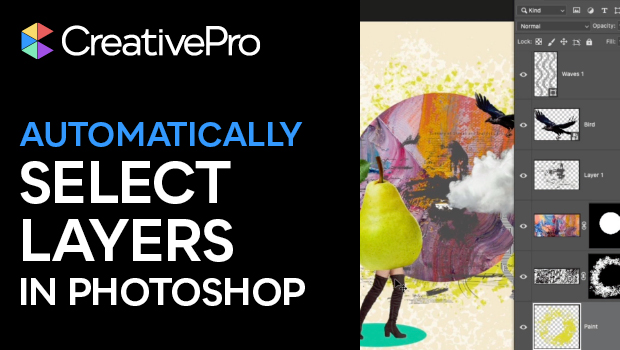
Automatically Select Layers in Photoshop
Use this trick to select a layer’s content by clicking directly on the canvas, i...
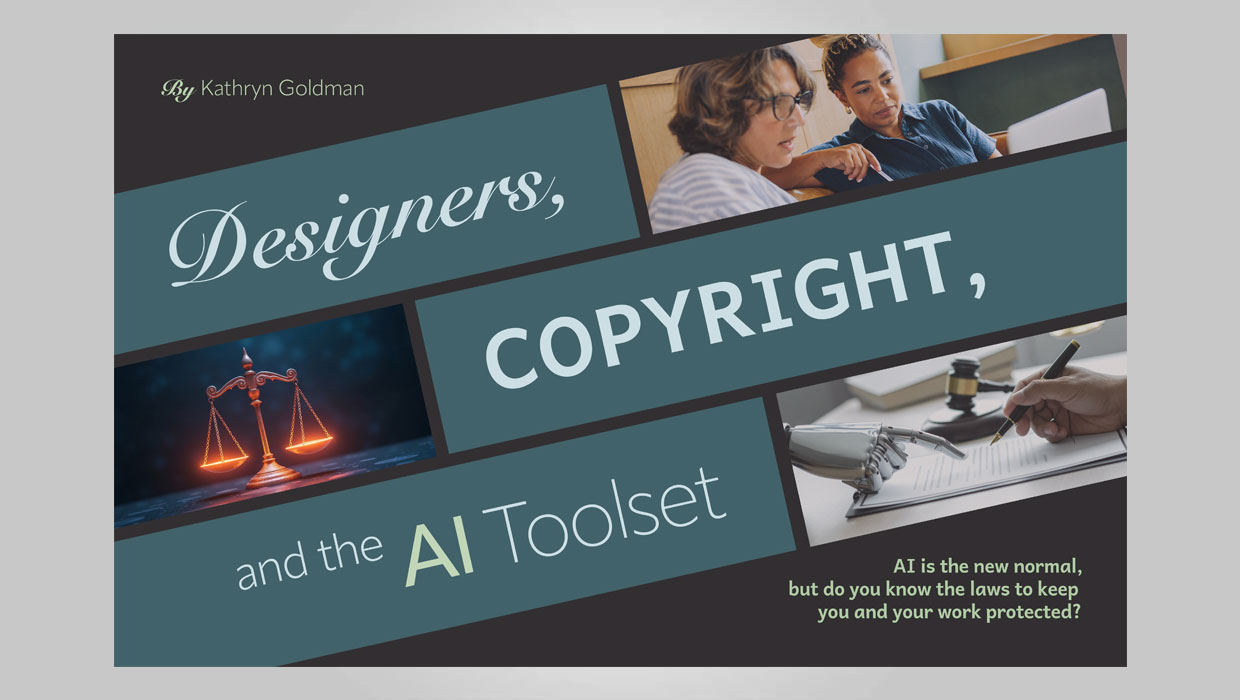
The Designer’s Guide to AI and Copyright
AI is the new normal, but do you know the laws to keep you and your work protect...