




In this week’s InDesignSecrets video, Erica Gamet demonstrates how to use InDesign’s Color Theme tool. She shows how to create a palette of colors by sampling an image, then puts that color theme into the Swatches panel—and also into a CC Library.
Check out new tutorials every Tuesday on our InDesign Secrets YouTube channel, then join the discussion on our Facebook group!
This article was last modified on August 29, 2025
This article was first published on January 2, 2020
Commenting is easier and faster when you're logged in!

Recommended for you
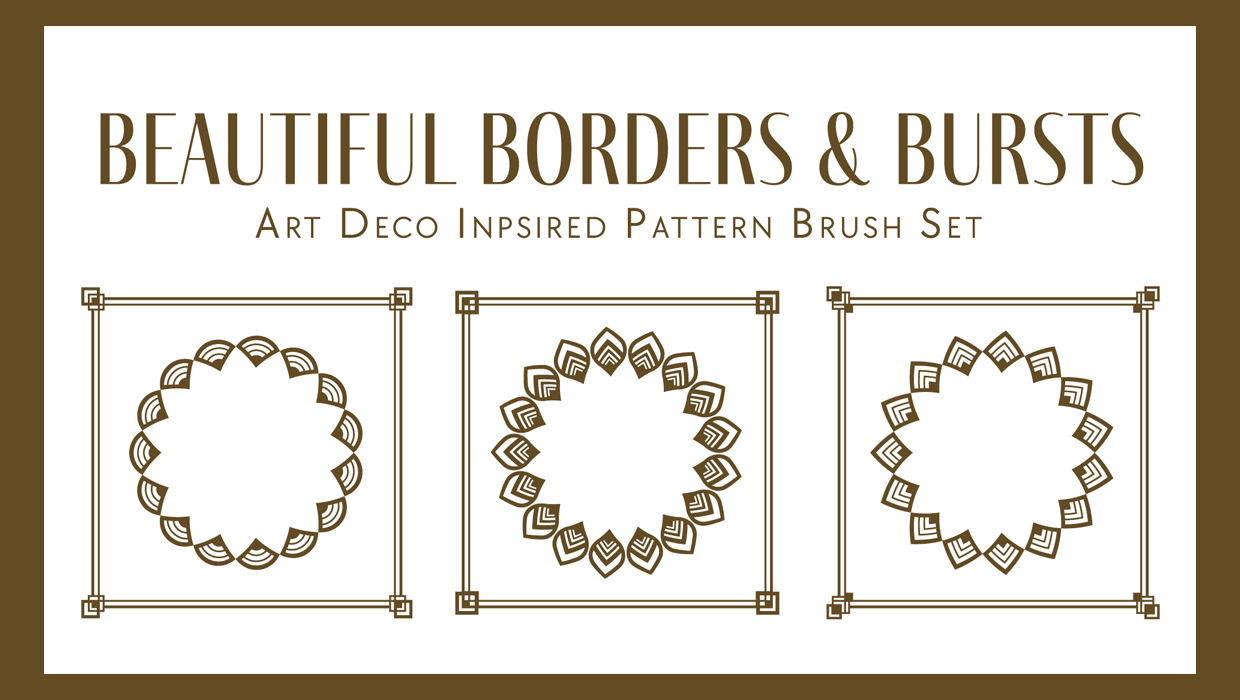
Illustrator Downloadable: Art Deco Borders and Brushes
Custom patterns and brushes to add a sleek and swanky style to your designs
How to Share Illustrator Swatch Groups
Learn how to use Illustrator’s brand-new Swatch Info feature and how to add swat...
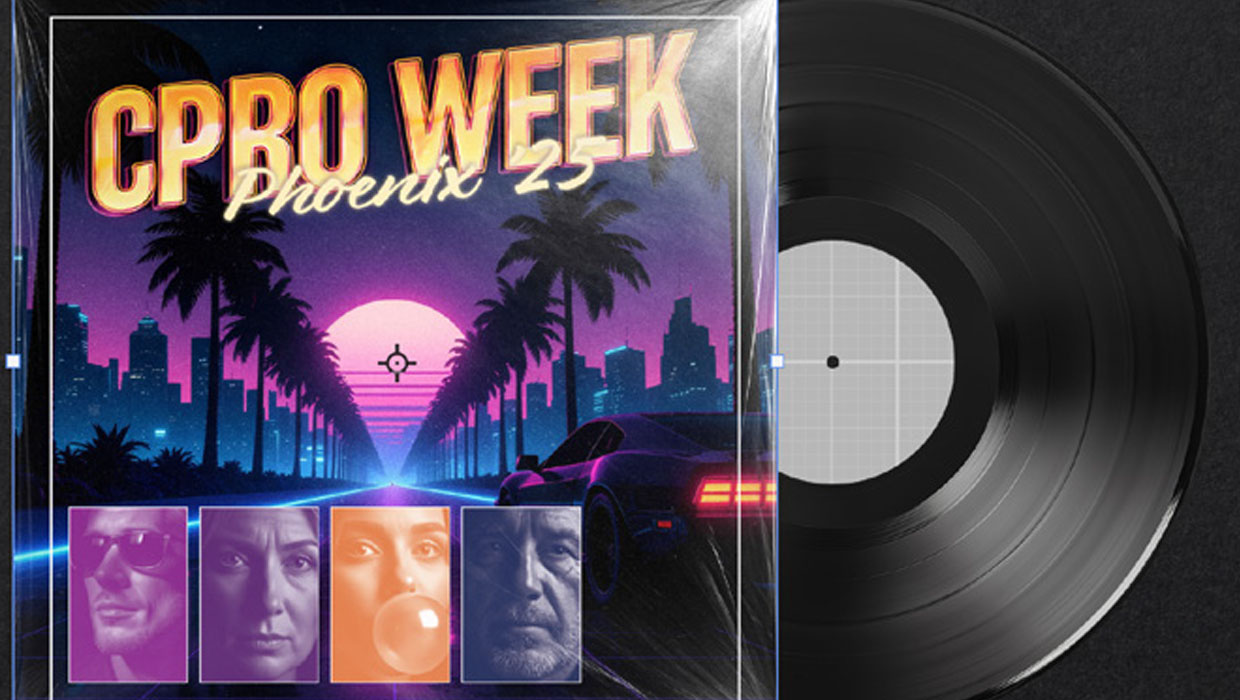
Recolor Images Using Extracted Color Themes in InDesign
How to unify a design composed of separate placed images by recoloring them with...