




In this week’s InDesignSecrets video, Erica Gamet shows how to create sections within an InDesign document. She also sets up page numbering options for each section and creates a section marker to have InDesign automatically format the pages in each section.
Check out new tutorials every Tuesday on our InDesign Secrets YouTube channel, then join the discussion on our Facebook group!
This article was last modified on August 29, 2025
This article was first published on November 13, 2019
Commenting is easier and faster when you're logged in!

Recommended for you
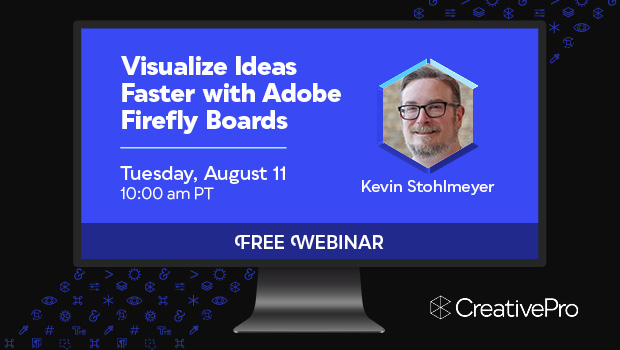
Free Webinar: Visualize Ideas Faster with Adobe Firefly Boards
Learn how Adobe Firefly Boards can help you brainstorm, organize ideas, and expl...
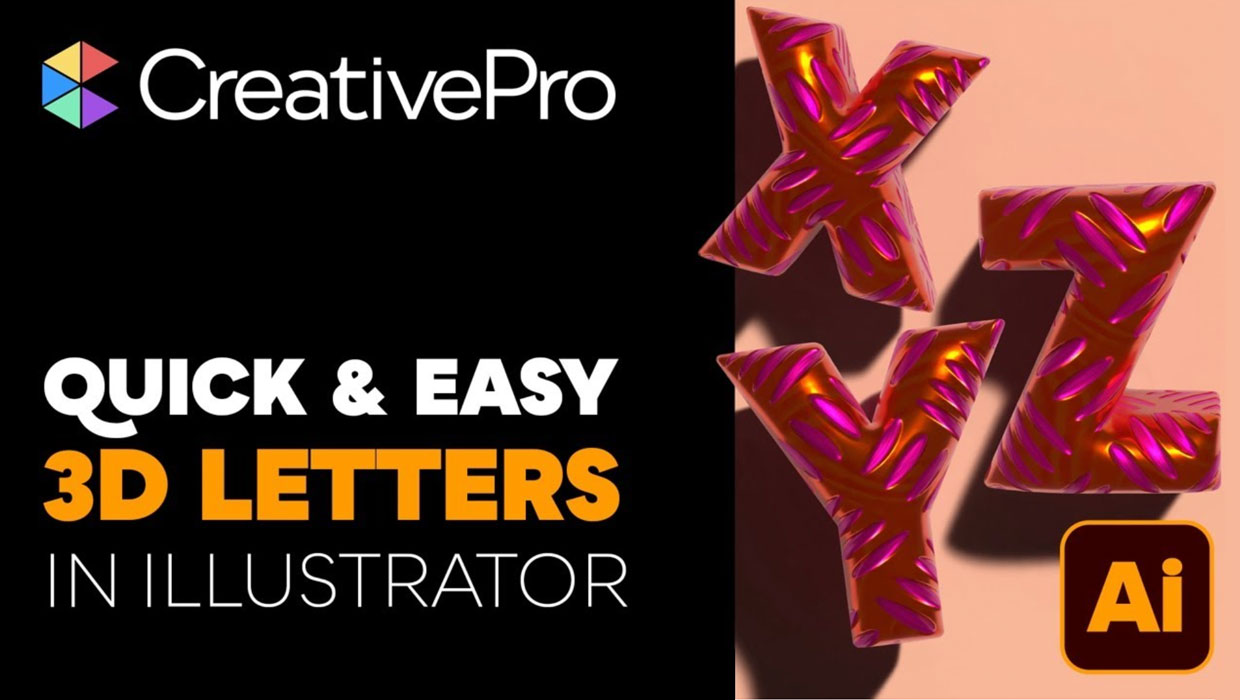
Livestream Video: Creating 3D Lettering Using Illustrator’s Inflate Tool
Join Khara Plicanic as she shows how to create stunning 3D lettering with Illust...

How to Create a Custom Stamp in Adobe Acrobat Pro
Learn how to move pages between PDF files with Chad Chelius.