



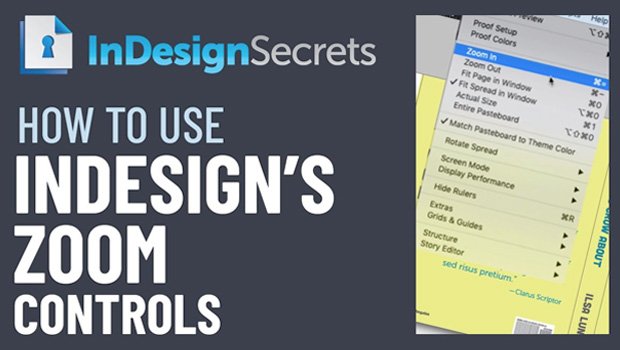
In this week’s InDesignSecrets video, Mike Rankin demonstrates how to zoom in and out of your InDesign document. Using menu items as well as all the keyboard shortcuts, he shows how to view by page or spread, zoom in on a particular area, and zoom way in or out numerically.
Check out new tutorials every other Tuesday on our InDesign Secrets YouTube channel, then join the discussion on our Facebook group!
This article was last modified on August 29, 2025
This article was first published on April 21, 2020
Commenting is easier and faster when you're logged in!

Recommended for you

Quick Wins: Presentation Design Skills
Use these five resources to boost your presentation design and production skills
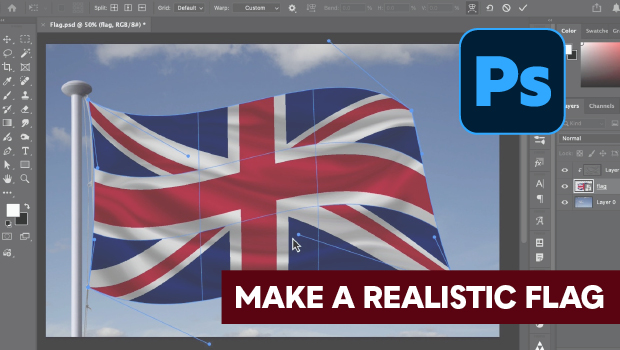
How to Make a Realistic Flag in Photoshop
Create a realistic waving flag in Photoshop with Steve Caplin.

Free Webinar: Visualize Ideas Faster with Adobe Firefly Boards
Learn how Adobe Firefly Boards can help you brainstorm, organize ideas, and expl...