




Select more than one object and start dragging a side or corner handle. While the mouse button is down, hold down the spacebar and InDesign adjusts the spacing between the objects instead of scaling them.
This article was last modified on January 12, 2026
This article was first published on June 18, 2019
Commenting is easier and faster when you're logged in!

Recommended for you
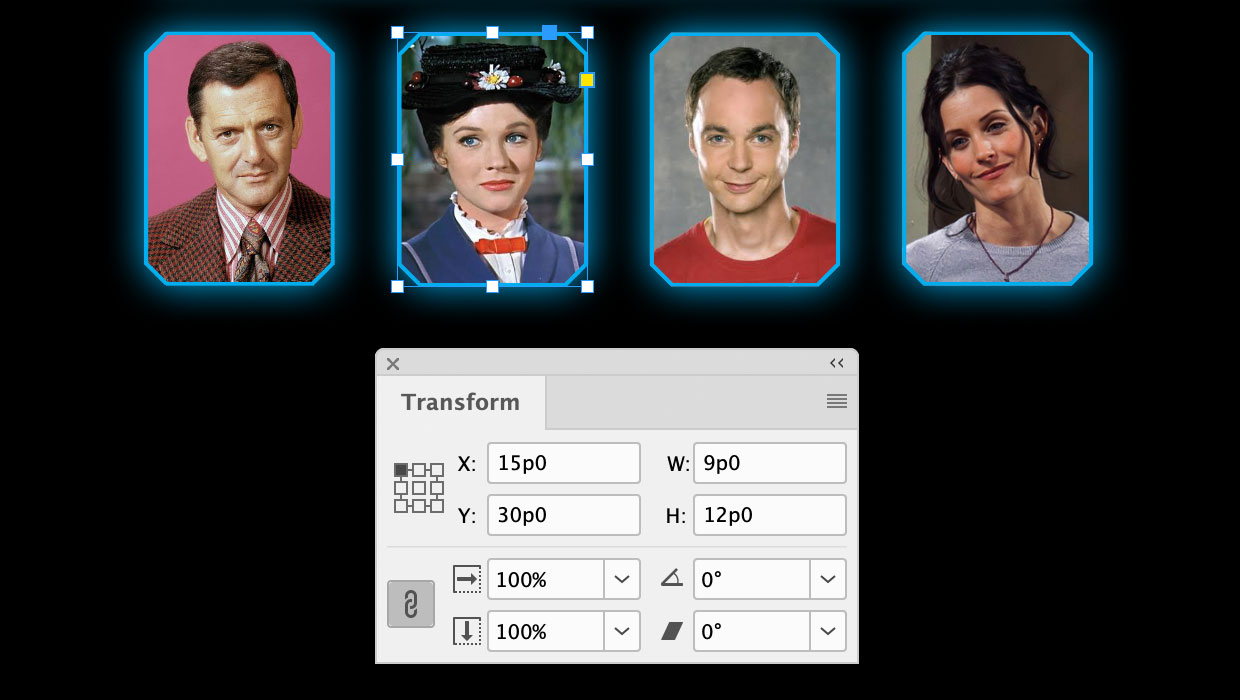
A Script to Round off Size and Position Values in InDesign
Instantly clean up "messy" values by rounding them off to the nearest whole poin...
Navigating and Customizing the Premiere Interface
Are you a Premiere beginner? Get started and customize your workspace with Myra...

Quick Wins: Vector Drawing Skills
Use these five resources to boost your vector drawing skills.