



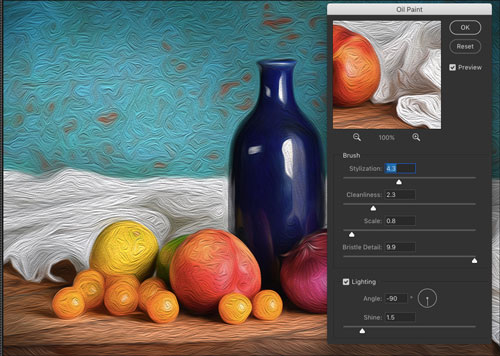
Ever wish you could partially undo a change you made to an image in Photoshop? You can, with the help of the Fade command. Immediately after applying a filter or adjustment,
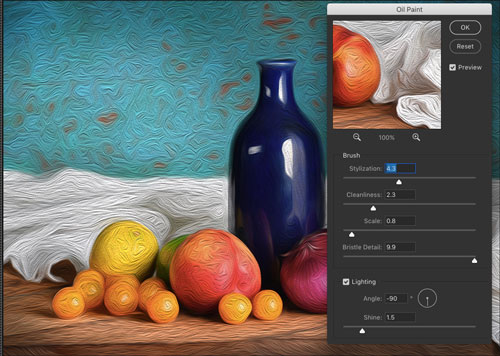
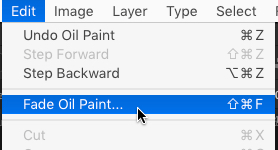
choose Edit > Fade (or press Command+Shift+F on Mac or Ctrl+Shift+F on Windows).
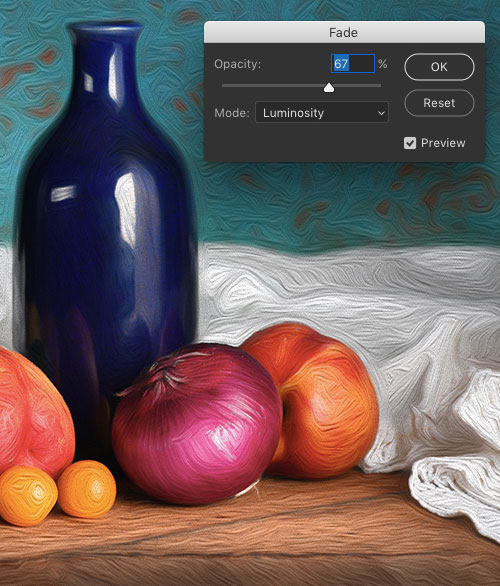
It’s like having an Undo slider, with an Opacity slider and Blend Mode menu.
This article was last modified on June 18, 2018
This article was first published on June 18, 2018
Commenting is easier and faster when you're logged in!

Recommended for you

Using Photoshop’s Generative Fill to Remove Objects
Learn how to simply remove items from an image in Photoshop, without extra conte...

CreativePro Week 2026 Preview: 5 Pixel-Perfect Photoshop and Illustrator Sessions
Our Editor in Chief lists his must-see Photoshop and Illustrator sessions at Cre...

Creating Fluffy Text with AI in Photoshop
How to create a fun text effect that looks like fluffy fur on a grass background...
