




In this week’s CreativePro video, Erica Gamet demonstrates how to use Keynote’s Media Placeholders. She shows how easy it is to drag and drop images into your presentations and how to quickly create a new master slide with your own image placeholders.
New videos every Tuesday on our CreativePro YouTube channel. Be sure to subscribe so you don’t miss any!
This article was last modified on August 29, 2025
This article was first published on February 19, 2020
Commenting is easier and faster when you're logged in!

Recommended for you
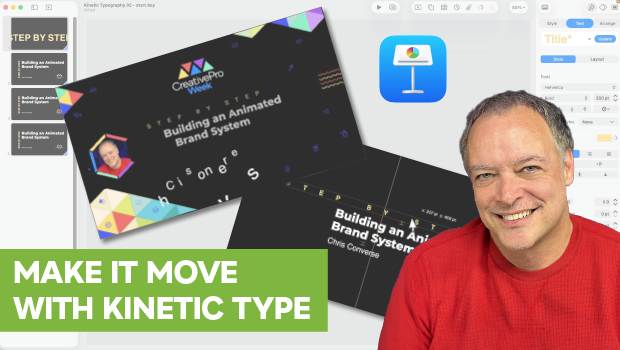
How to Create Kinetic Text in Keynote
It's a breeze to create custom typographic animations with Chris Converse.

Accessibility Tips for Presentation Designers
Use these quick, no-stress fixes to make your slides more accessible.

Keynote: The Pro Design Powerhouse
Unlock type styles, photo adjustments, animation, and video capabilities that go...