




Helen Bradley has written a thorough tutorial on using Photoshop to create kaleidoscope patterns from any photo with interesting color and shapes.
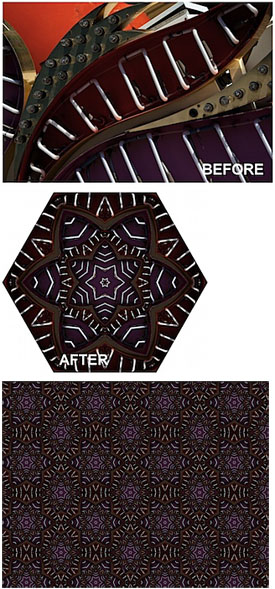
To read the tutorial, head to the Digital Photography School Web site.
This article was last modified on December 17, 2022
This article was first published on November 5, 2009
Commenting is easier and faster when you're logged in!

Recommended for you

How to Turn a Photo into Graffiti in Photoshop
Create a spray-painted masterpiece in Photoshop with Steve Caplin.

How to Adjust Colors Using Photoshop’s Contextual Task Bar
Learn how to use the Photoshop Adjust Colors feature to make quick, non-destruct...

How to Adjust Colors in Photoshop Using Hue and Saturation
Learn how to manipulate an image’s colors using Photoshop’s Hue and Saturation s...