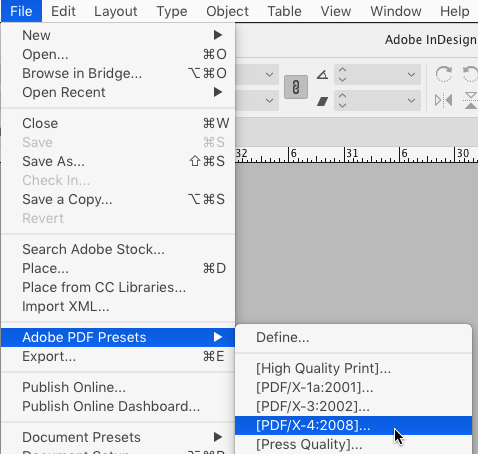
If you use print or PDF presets, it can be tedious to have to click through dialog boxes that you know are already set up the way that you want them. To skip the dialog boxes and start outputting immediately just hold the Shift key when you choose one of the presets.
This article was last modified on April 13, 2021
This article was first published on November 28, 2017
Commenting is easier and faster when you're logged in!

Recommended for you
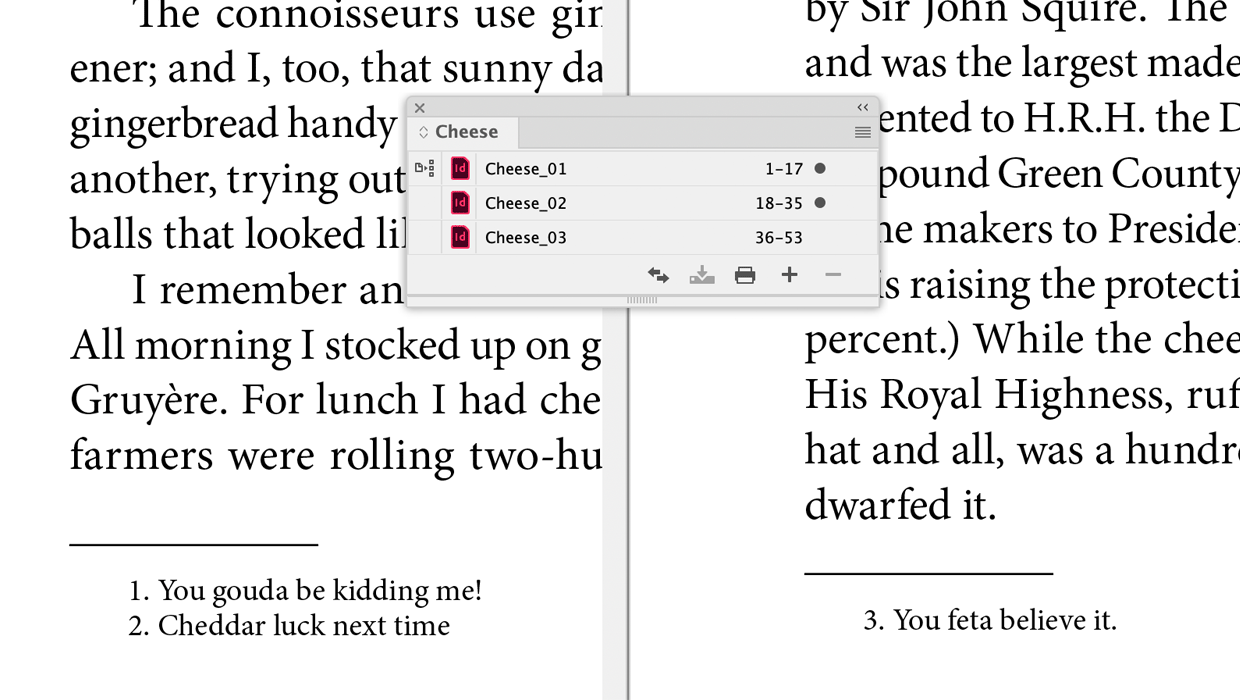
A Script to Continue Footnote Numbering Across Book Documents in InDesign
Free script to makes it easy to manage footnote numbering in complex book docume...
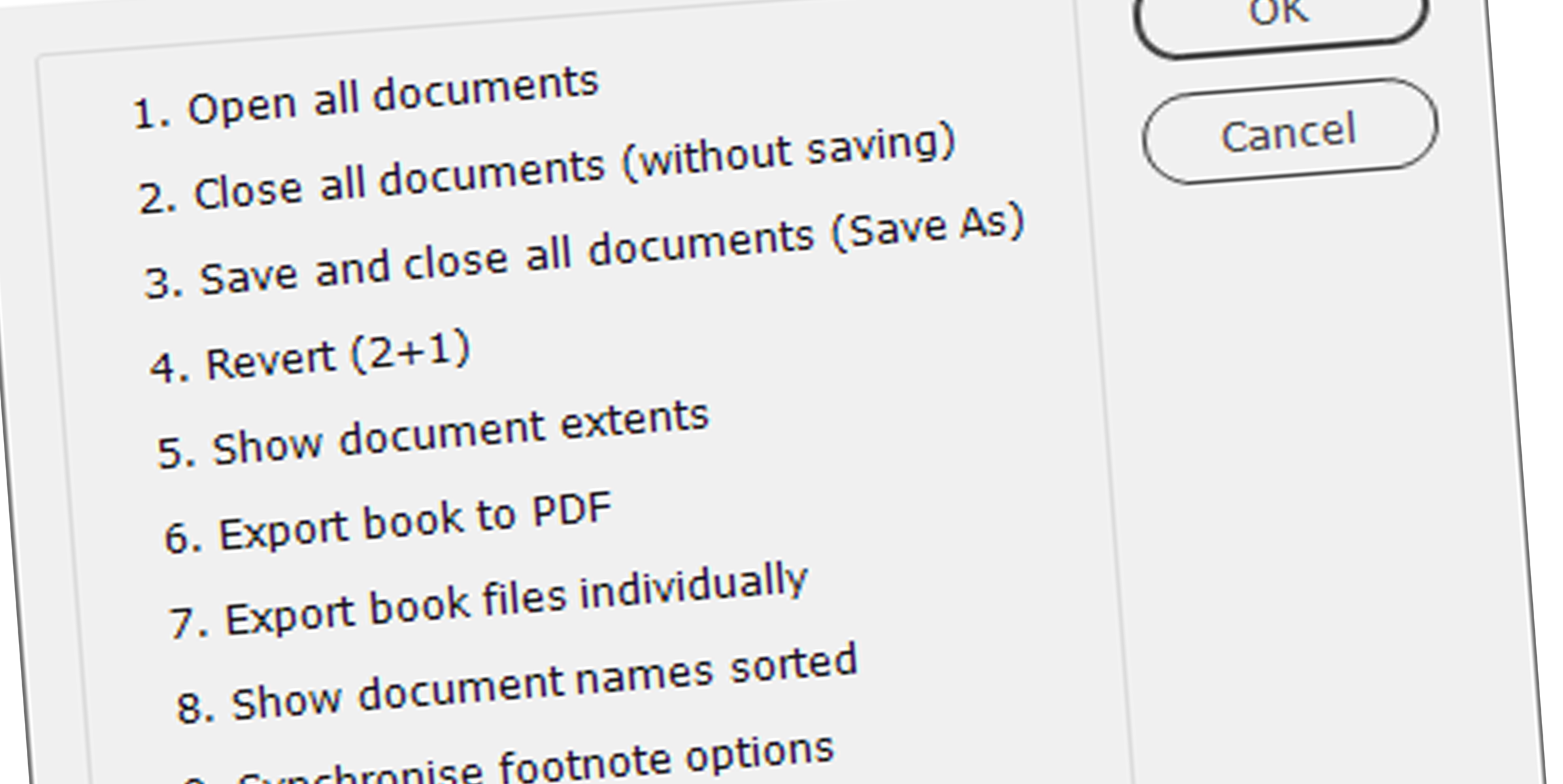
Book Panel Extras
InDesign’s Book panel lacks various useful features. The script described...