


Three Ways to Make a Heart in Illustrator
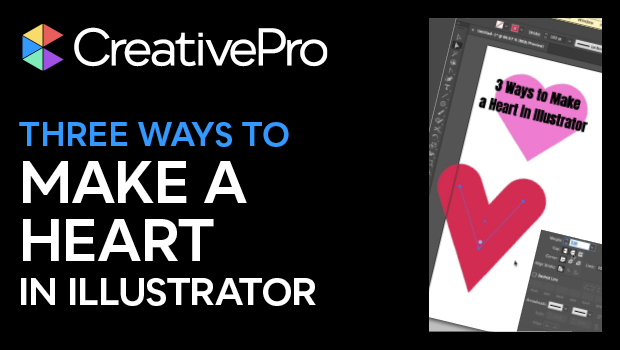
Learn how to create a heart shape in Illustrator three different ways, using strokes, the Anchor Point tool, and the Shape Builder tool.

Warning: Undefined variable $issue_link in /www/creativepro_628/public/wp-content/themes/cp2/page-templates/single-magazine-article.php on line 233
In this quick Illustrator video, Khara Plicanic demonstrates three different methods to create a heart shape in Illustrator. She uses strokes with rounded ends, employs the Shape Builder tool, and brings in the Anchor Point tool to make it all happen.
Subscribe to the CreativePro YouTube channel for more helpful design tips!
This article was last modified on August 29, 2025
This article was first published on June 11, 2025
Commenting is easier and faster when you're logged in!

Recommended for you
How to Use Illustrator’s New Turntable Feature
Tilt and turn your artwork with the Turntable feature in the Illustrator Beta ap...
Livestream Video: Quick & Easy Vectors with Illustrator’s Shape Builder Tool
Join Khara Plicanic as she explores an easier way of drawing vector shapes in Il...
Interview with Laura Coyle, Artist and Educator
An 8-time CreativePro Week speaker offers her thoughts on building confidence an...