



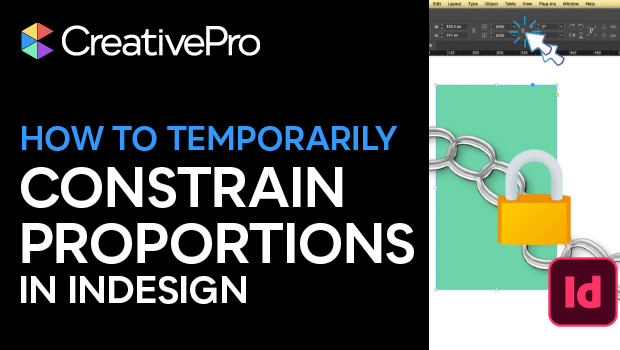
In this short InDesign how-to video, Khara Plicanic reveals a smarter way to lock and unlock proportions without repeatedly clicking the chain icon. She enters scale values directly in the Control panel and applies them proportionally with a keyboard shortcut.
Subscribe to the CreativePro YouTube channel for more helpful design tips!
This article was last modified on March 16, 2026
This article was first published on March 16, 2026
Commenting is easier and faster when you're logged in!

Recommended for you
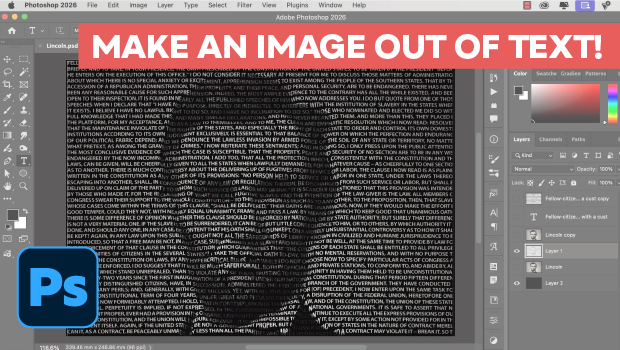
Making an Image Entirely Out of Text in Photoshop
Create a typographical wonder with Steve Caplin.
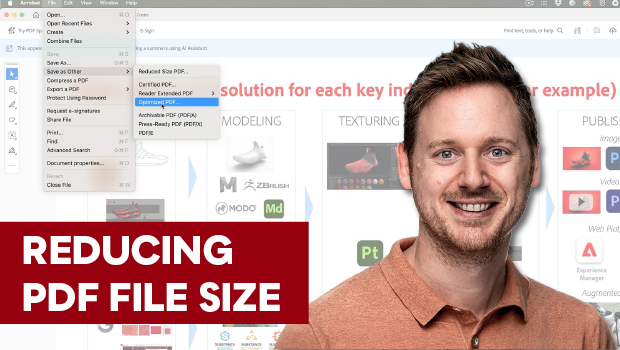
Reduce PDF File Size the Smart Way in Acrobat
Shrink your PDF file size in Acrobat with Bart Van de Wiele.

What If Your Proofing Tool Could Markup the Proof for You?
Imagine opening a proof and seeing suggested markups already waiting – hig...