




The utility called “Cameras” lets you manage what your Mac (OS X 10.4.11 or later) does when you connect to any photo device, including digital cameras, iPhones, and digital media readers.
You can choose to launch different applications for different photo devices. For example, when you plug in a card reader, you might want to launch Adobe Lightroom. But when you plug in an iPhone, Lightroom is almost certainly not your app of choice! You can also set your preferences so that images download automatically.
Not sure you really need this utility? Might as well try it anyway — Cameras is free. You can download it at www.flexibits.com.
This article was last modified on December 14, 2022
This article was first published on October 27, 2009
Commenting is easier and faster when you're logged in!

Recommended for you

Quickly Create Text in an Arc or Circle in Photoshop
Khara Plicanic reveals new options in Photoshop for putting text in an arc or a...

Use Bridge to Find and View All Linked Assets in an InDesign File
Quickly find and collect every linked asset in your InDesign project using this...
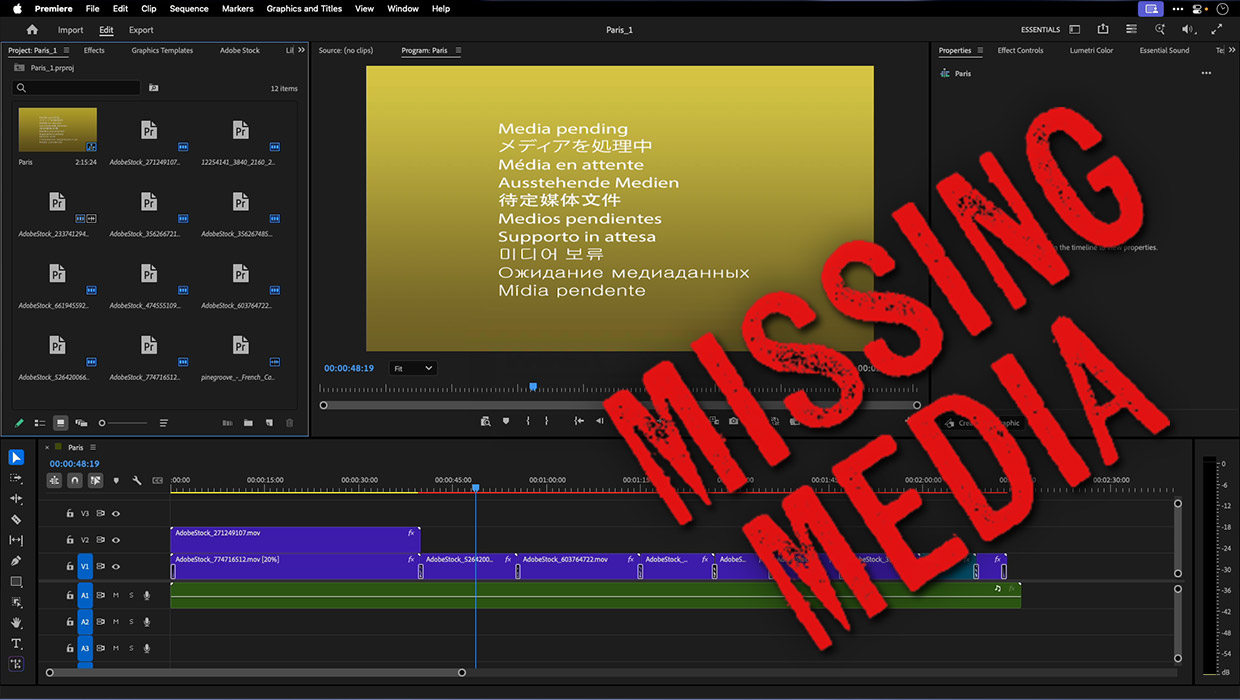
How to Fix Missing Content Problems in Premiere
Learn what the media warnings in Premiere mean and how to address them