





For a new and easy way to experiment with color and generate swatches, check out color.hailpixel.com. It’s a nifty little project created by Devin Hunt, a London-based designer, developer, and entrepreneur. To use the tool, you simply move your cursor around inside the browser window to adjust hue, saturation, and brightness.

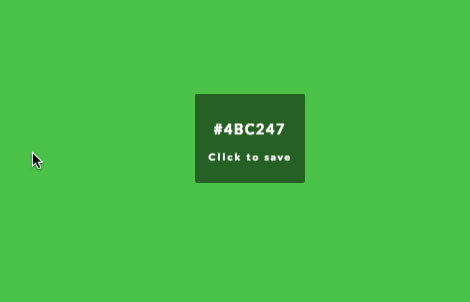
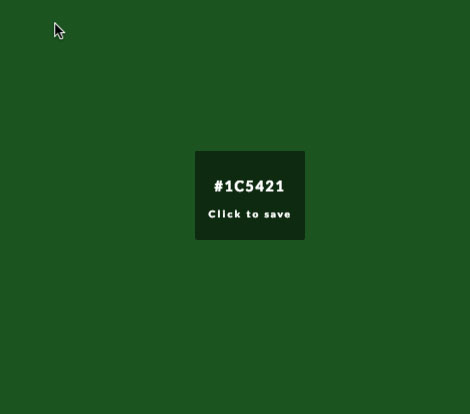
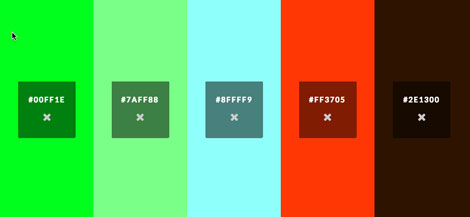
The hexadecimal code is displayed in the center of the window, and you can click to save swatches and create sets of multiple colors.
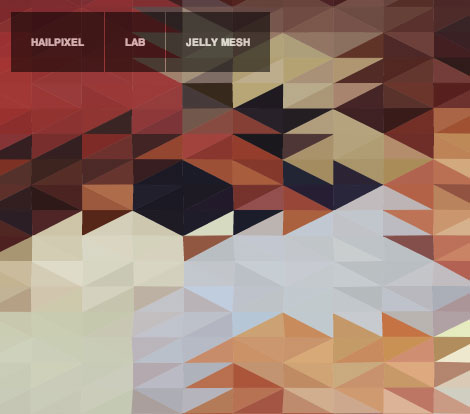
If you like the color tool, also check out Devin’s lab page, where you can play with a geometric mesh and create waves by moving your cursor.
This article was last modified on February 18, 2013
This article was first published on February 18, 2013
Commenting is easier and faster when you're logged in!

Recommended for you

How to Adjust Colors Using Photoshop’s Contextual Task Bar
Learn how to use the Photoshop Adjust Colors feature to make quick, non-destruct...

Using Photoshop’s Generative Fill to Remove Objects
Learn how to simply remove items from an image in Photoshop, without extra conte...

How to Adjust Colors in Photoshop Using Hue and Saturation
Learn how to manipulate an image’s colors using Photoshop’s Hue and Saturation s...